| –
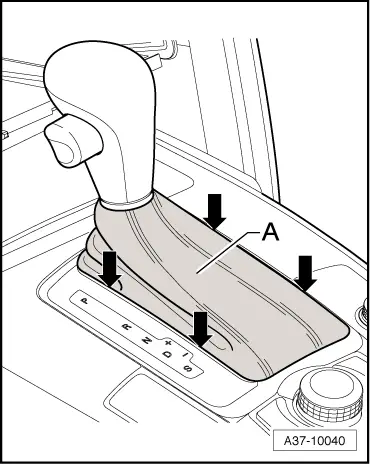
| Shift selector lever to position “D”. |
| –
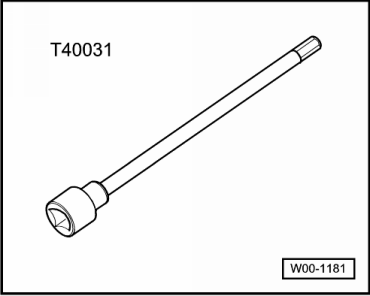
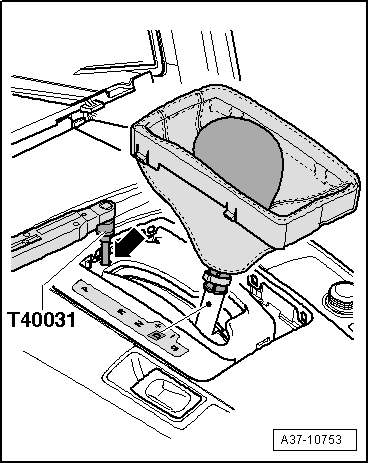
| Insert socket and key -T40031- through access hole -arrow- in selector mechanism and slacken bolt on selector lever cable approx. one turn. |

Note | t
| Only loosen clamping bolt approx. one turn - do not remove. |
| t
| Clamping bolt can only be accessed with selector lever in position “D”. |
| t
| With clamping bolt loosened, selector lever must remain in position “D”. |
| –
| Carefully move selector lever slightly forwards and backwards, without shifting lever into a different selector lever position. The selector lever cable is thereby slackened. |
| –
| Shift selector lever into “tiptronic gate”. |
Note | Do not touch selector lever again during adjustment process. |
| –
| Use socket and key -T40031- to tighten clamping bolt in this position, taking care not to touch selector lever. |
| If selector mechanism is not functioning correctly after adjusting selector lever cable, proceed as follows: |
| –
| Adjust selector lever cable to basic setting → Chapter. |
|
|
|