
Town & Country Van AWD V6-230 3.8L VIN L SMFI (1998)
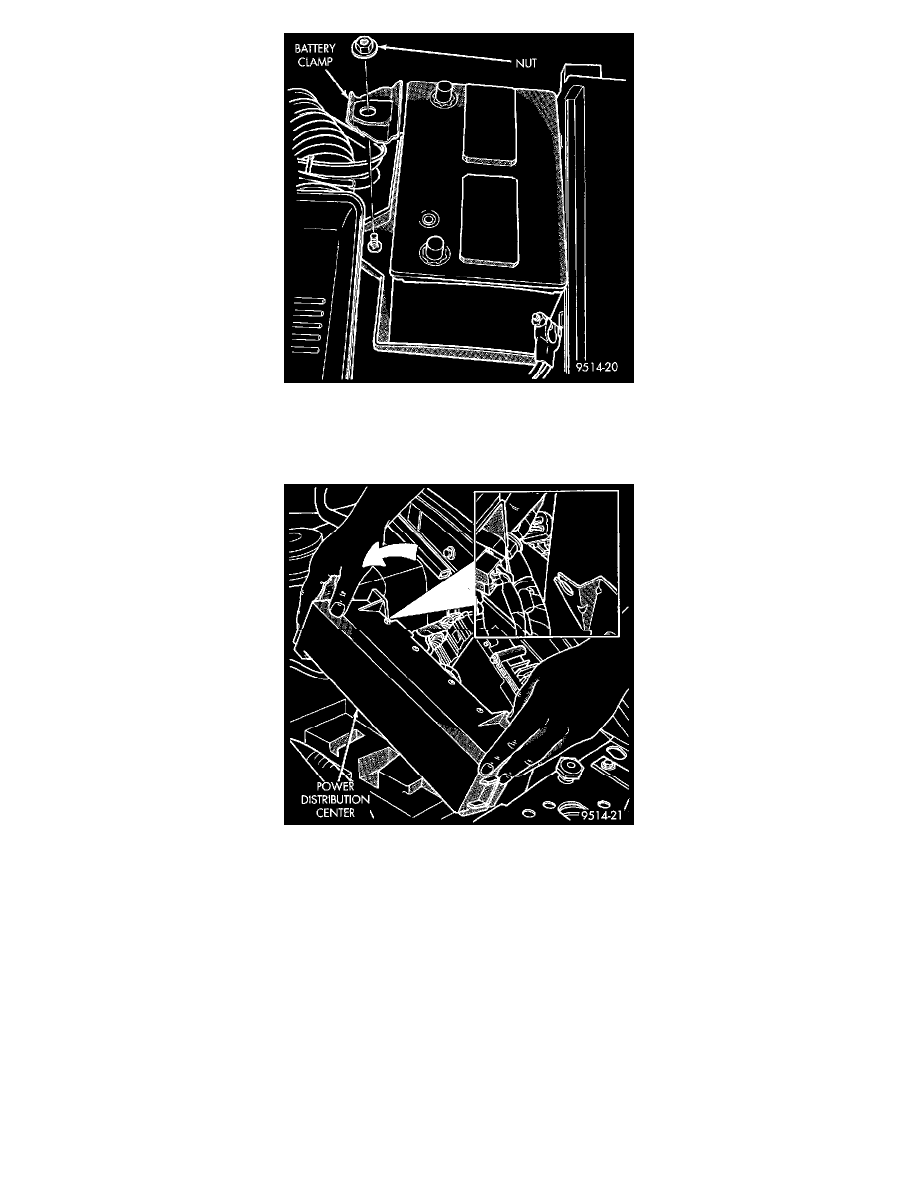
Fig 31 Battery Clamp
4. Remove nut and clamp holding battery to battery tray (Fig. 31).
5. Remove battery from vehicle.
Fig 32 PDC Rear Bracket
6. Rotate PDC toward center of vehicle to remove from rear bracket (Fig. 32).
7. Pull PDC rearward to remove from front bracket. Lay PDC aside to allow access to Powertrain Control Module (PCM).