
Flex Plate: Specifications (page 2 of 2)
- Make
- Honda
- Model
- Civic
- Engine
- L4-1.8L
- Year
- 2006
- Section
- Flex Plate
Transmission and DrivetrainSpecifications · page 2 of 2
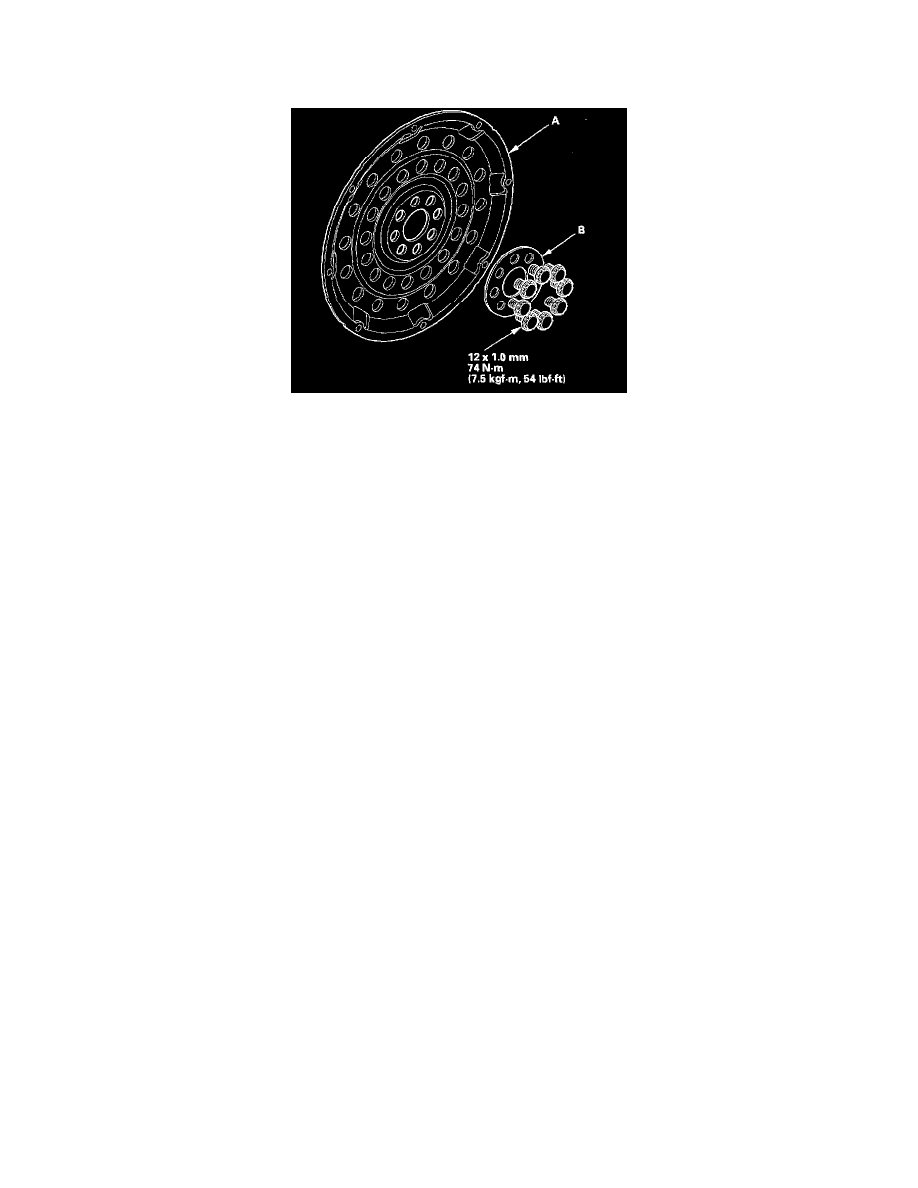
Flex Plate: Service and Repair
Drive Plate Removal and Installation
1. Remove the transmission assembly.
2. Remove the drive plate (A) and washer (B) from the engine crankshaft.
3. Install the drive plate and washer on the engine crankshaft, and tighten the eight bolts in a crisscross pattern in two or more steps.
4. Install the transmission assembly.
Pinch or Ctrl + scroll to zoom. Double-tap to reset.
Parts & tools for this job For 2006 Honda Civic 1.8L
Links open Amazon search results in a new tab. As an Amazon Associate I earn from qualifying purchases.