
Catera V6-3.0L VIN R (1997)
Camshaft: Service and Repair
Camshaft Cover Replacement - Drivers Side
REMOVE OR DISCONNECT
1. Disconnect the negative battery cable.
2. . Remove the intake plenum. See Powertrain Management.
3. Remove the intake manifold.
4. Remove the oil filler spout by unlocking the tab and twisting counterclockwise.
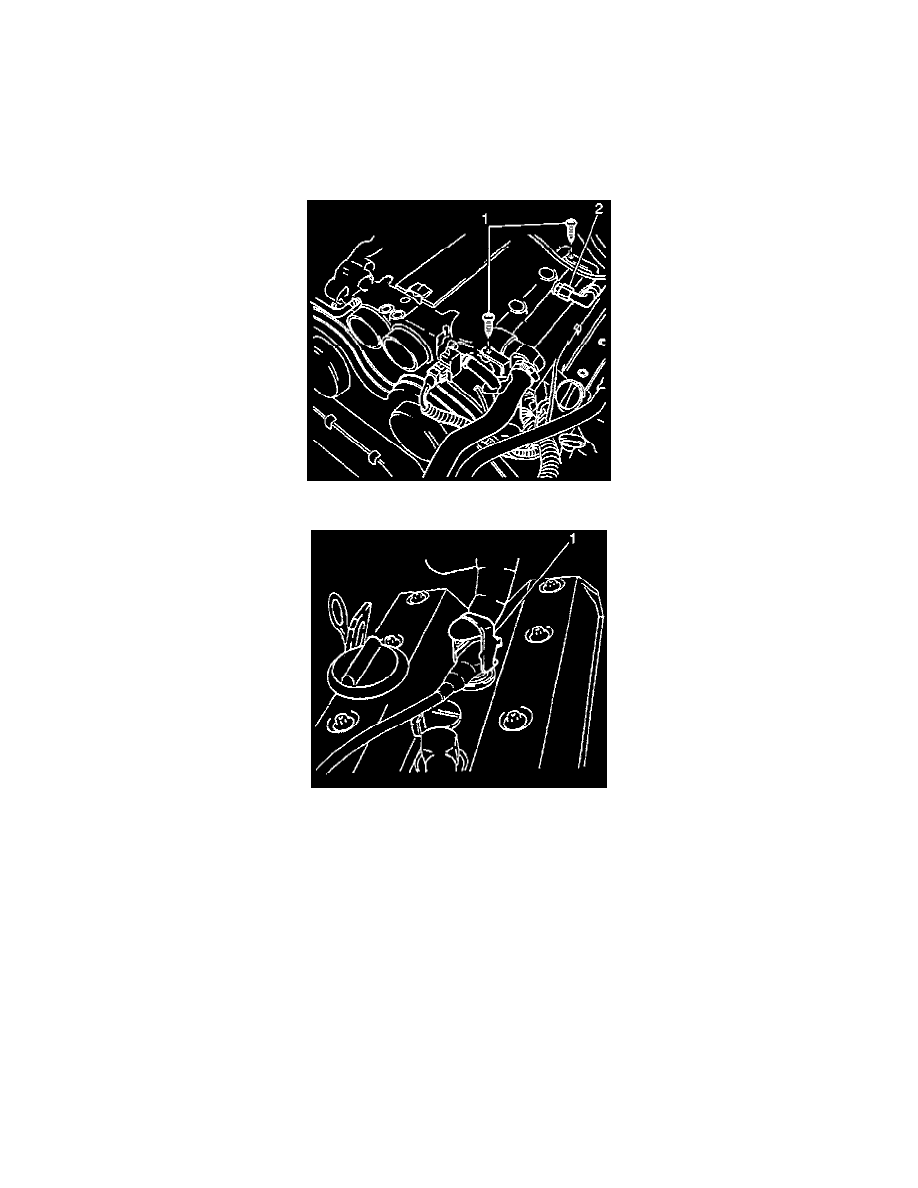
5. Disconnect the Camshaft Position Sensor (CMP) electrical connection and plastic ties.
6. Remove the wiring harness channel bolts (1) and reposition the wiring harness channel.
7. Remove the spark plug boots from the spark plugs with the attached tools (1).
8. Remove the spark plug wires from the routing retainers.
9. Remove the valve cover bolts.
10. Remove the valve cover.