
XLR V8-4.6L VIN A (2006)
Dashboard / Instrument Panel: Service and Repair
Bracket Replacement - Steering Column
Bracket Replacement - Steering Column
Removal Procedure
1. Disable the SIR system. Refer to the following procedures in Restraint Systems:
*
SIR Disabling and Enabling Zone 3
*
SIR Disabling and Enabling Zone 4
*
SIR Disabling and Enabling Zone 5
Caution: Refer to Battery Disconnect Caution in Service Precautions.
2. Disconnect the negative battery cable.
3. Remove the console.
4. Remove the instrument panel (I/P) carrier.
5. Tilt the steering wheel to the lowest position.
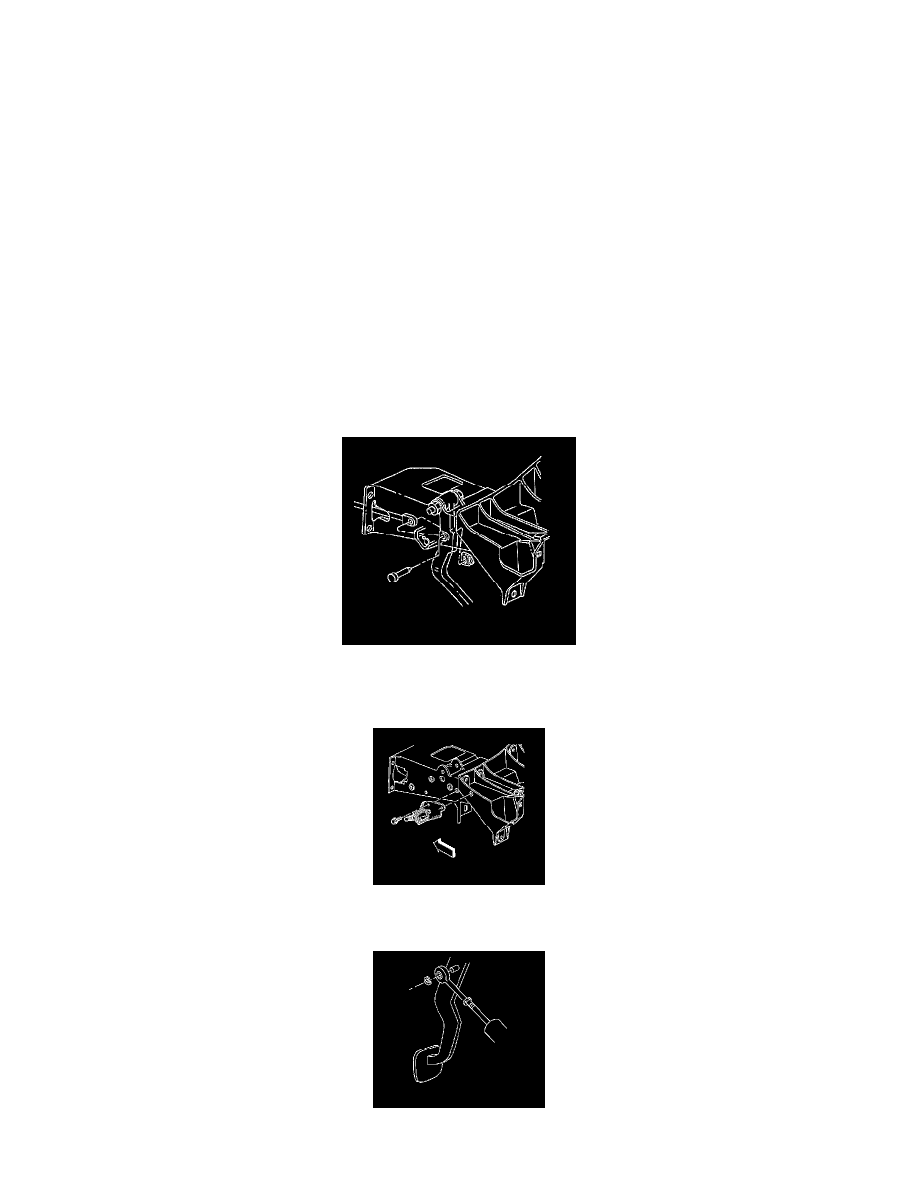
6. Remove the upper and lower nuts retaining the steering column to the steering column bracket. Carefully rest the steering column on the I/P lower
support beam.
7. Remove the upper and lower nuts retaining the steering column to the steering column bracket.
8. Remove the accelerator pedal assembly with the accelerator pedal position sensor.
9. Disconnect the brake master cylinder push rod from the brake pedal.
10. Remove the brake booster mounting nuts.
11. Remove the mounting bolts from the cruise control release switch bracket.
12. Reposition the cruise control release switch and the bracket.
13. Disconnect the master cylinder push rod from the clutch pedal.