
Coolant: Specifications (page 3 of 5)
- Make
- Honda
- Model
- Civic
- Engine
- L4-1.8L CNG
- Year
- 2008
- Section
- Fluids › Coolant
Coolant: Service and Repair
Coolant Replacement
1. Start the engine. Set the heater temperature control dial to maximum heat, then turn off the ignition switch. Make sure the engine and radiator are
cool to the touch.
2. Remove the radiator cap.
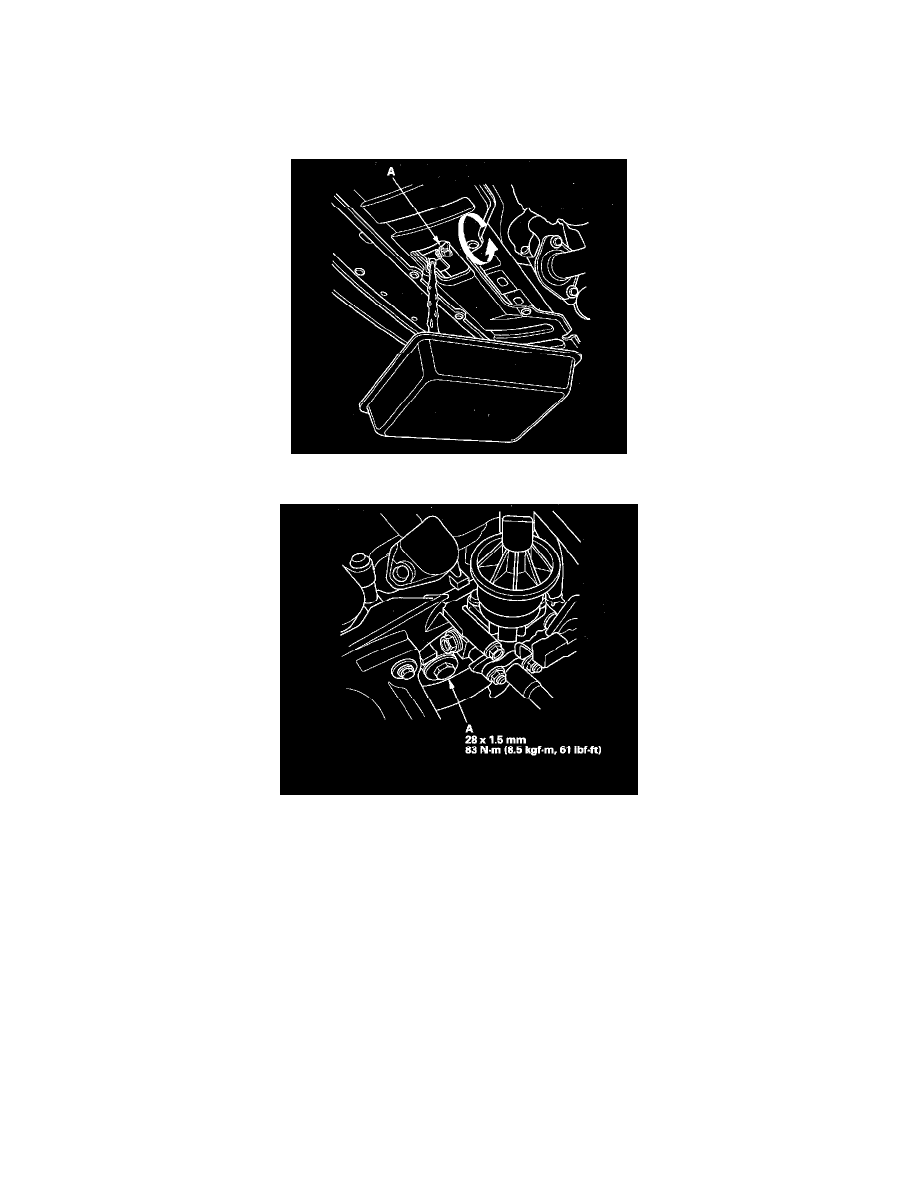
3. Loosen the drain plug (A), and drain the coolant.
4. Remove the drain bolt (A) located at the front of the engine block.
5. After the coolant has drained, apply liquid gasket to the drain bolt threads, then reinstall the bolt with a new washer and tighten it securely.
6. Tighten the radiator drain plug securely.
7. Remove the coolant reservoir, then drain the coolant, and reinstall the reserve tank.
8. Fill the coolant reservoir tank to the MAX mark (A) with Honda Long Life Antifreeze/Coolant Type 2 (P/N OL999-9001).
Pinch or Ctrl + scroll to zoom. Double-tap to reset.
Parts & tools for this job For 2008 Honda Civic 1.8L
- FLUIDCoolantSearch: Honda coolant antifreeze
- PARTThermostatSearch: Honda Civic 2008 1.8L thermostat
- TOOLCooling system pressure testerSearch: cooling system pressure tester
Links open Amazon search results in a new tab. As an Amazon Associate I earn from qualifying purchases.