
Battery disconnection procedure
- Make
- Land Rover
- Model
- Range Rover P38 Technical Bulletins
- Section
- Battery disconnection procedure › Battery disconnection procedure
BATTERY DISCONNECTION PROCEDURE
- Model
- Range Rover
- Affected vehicles
- All vehicles with Mark III Satellite Navigation System - VIN 1A 450072 onwards RE - ISSUE INFORMATION: ACTION - Details amended. Please destroy your existing copy and replace with this Issue 2.
- Date
- 2001-10-10
- Reference
- Bulletin 0033, CDS ref L8679bu
Bulletin text
Range Rover
AFFECTED RANGE:
All vehicles with Mark III Satellite Navigation System - VIN 1A 450072 onwards
RE - ISSUE INFORMATION: ACTION - Details amended. Please destroy your existing copy and replace with this Issue 2.
PROBLEM:
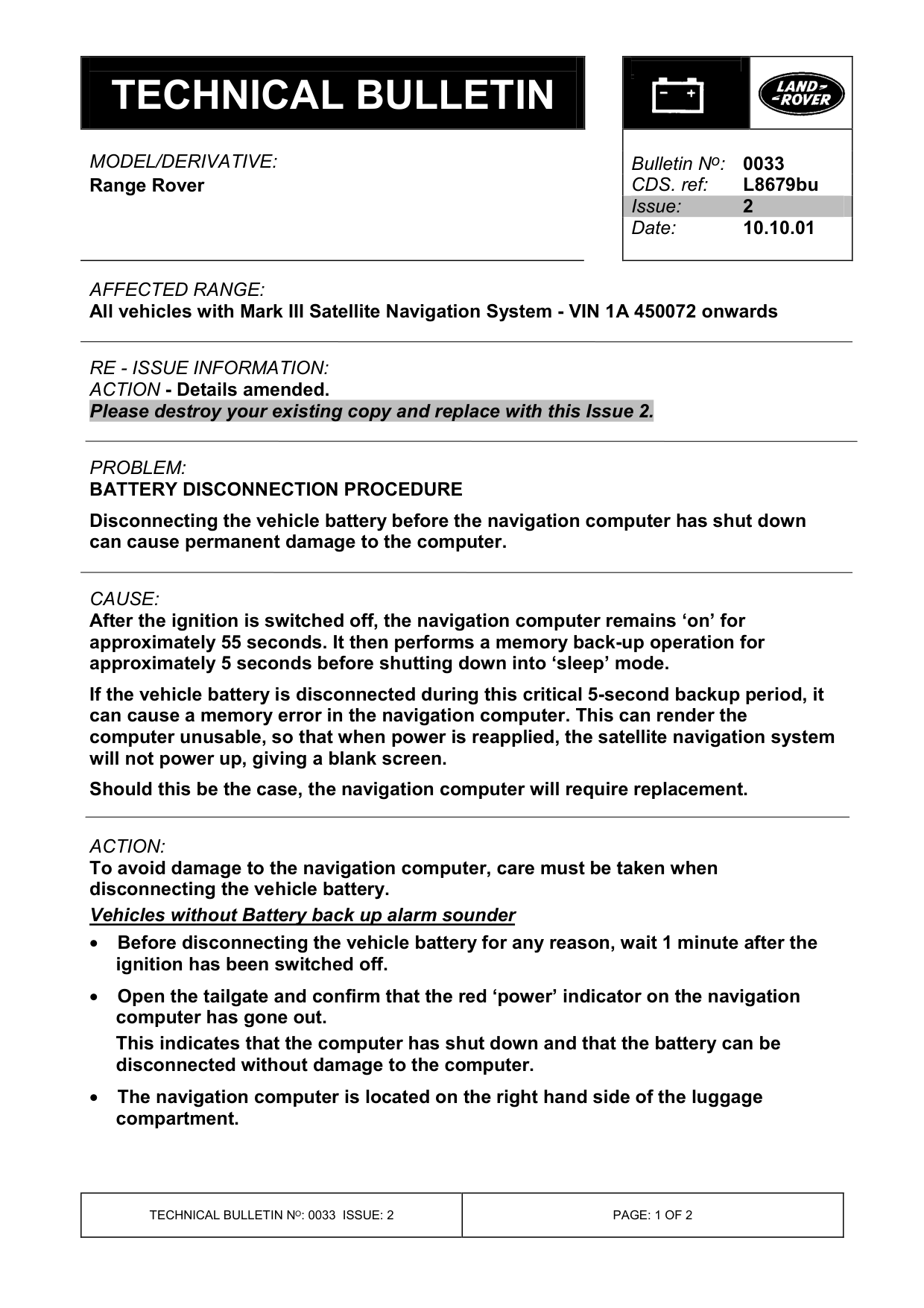
BATTERY DISCONNECTION PROCEDURE Disconnecting the vehicle battery before the navigation computer has shut down can cause permanent damage to the computer.
CAUSE:
After the ignition is switched off, the navigation computer remains ‘on’ for approximately 55 seconds. It then performs a memory back-up operation for approximately 5 seconds before shutting down into ‘sleep’ mode. If the vehicle battery is disconnected during this critical 5-second backup period, it can cause a memory error in the navigation computer. This can render the computer unusable, so that when power is reapplied, the satellite navigation system will not power up, giving a blank screen. Should this be the case, the navigation computer will require replacement.
ACTION:
To avoid damage to the navigation computer, care must be taken when disconnecting the vehicle battery. Vehicles without Battery back up alarm sounder • Before disconnecting the vehicle battery for any reason, wait 1 minute after the ignition has been switched off.
• Open the tailgate and confirm that the red ‘power’ indicator on the navigation computer has gone out. This indicates that the computer has shut down and that the battery can be disconnected without damage to the computer.
• The navigation computer is located on the right hand side of the luggage compartment.
Bulletin N o : 0033
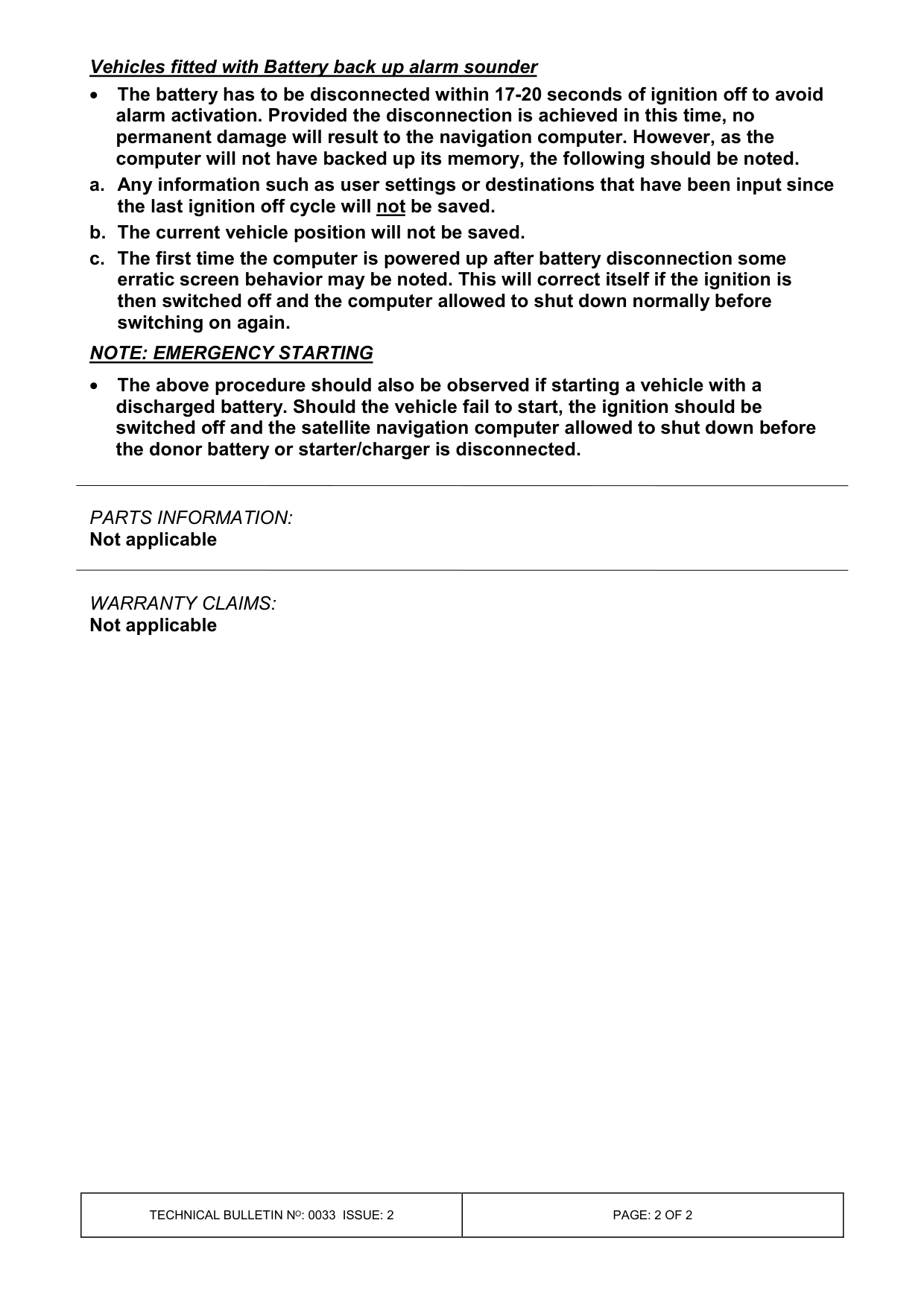
Vehicles fitted with Battery back up alarm sounder • The battery has to be disconnected within 17-20 seconds of ignition off to avoid alarm activation. Provided the disconnection is achieved in this time, no permanent damage will result to the navigation computer. However, as the computer will not have backed up its memory, the following should be noted. a. Any information such as user settings or destinations that have been input since the last ignition off cycle will not be saved. b. The current vehicle position will not be saved. c. The first time the computer is powered up after battery disconnection some erratic screen behavior may be noted. This will correct itself if the ignition is then switched off and the computer allowed to shut down normally before switching on again. NOTE: EMERGENCY STARTING
• The above procedure should also be observed if starting a vehicle with a discharged battery. Should the vehicle fail to start, the ignition should be switched off and the satellite navigation computer allowed to shut down before the donor battery or starter/charger is disconnected.
PARTS INFORMATION:
Not applicable
WARRANTY CLAIMS: Not applicable
Parts & tools for this job For Land Rover Range Rover
- TOOLBattery testerSearch: car battery tester
- TOOLDigital multimeterSearch: automotive digital multimeter
- TOOLBattery terminal cleanerSearch: battery terminal cleaner
Links open Amazon search results in a new tab. As an Amazon Associate I earn from qualifying purchases.