
Market programming BeCM
- Make
- Land Rover
- Model
- Range Rover P38 Technical Bulletins
- Section
- Market programming BeCM › Market programming BeCM
MARKET PROGRAMMING BECM
- Model
- New Range Rover
- Affected vehicles
- 316176 onwards
- Date
- 1996-06-05
- Reference
- 05/06/96
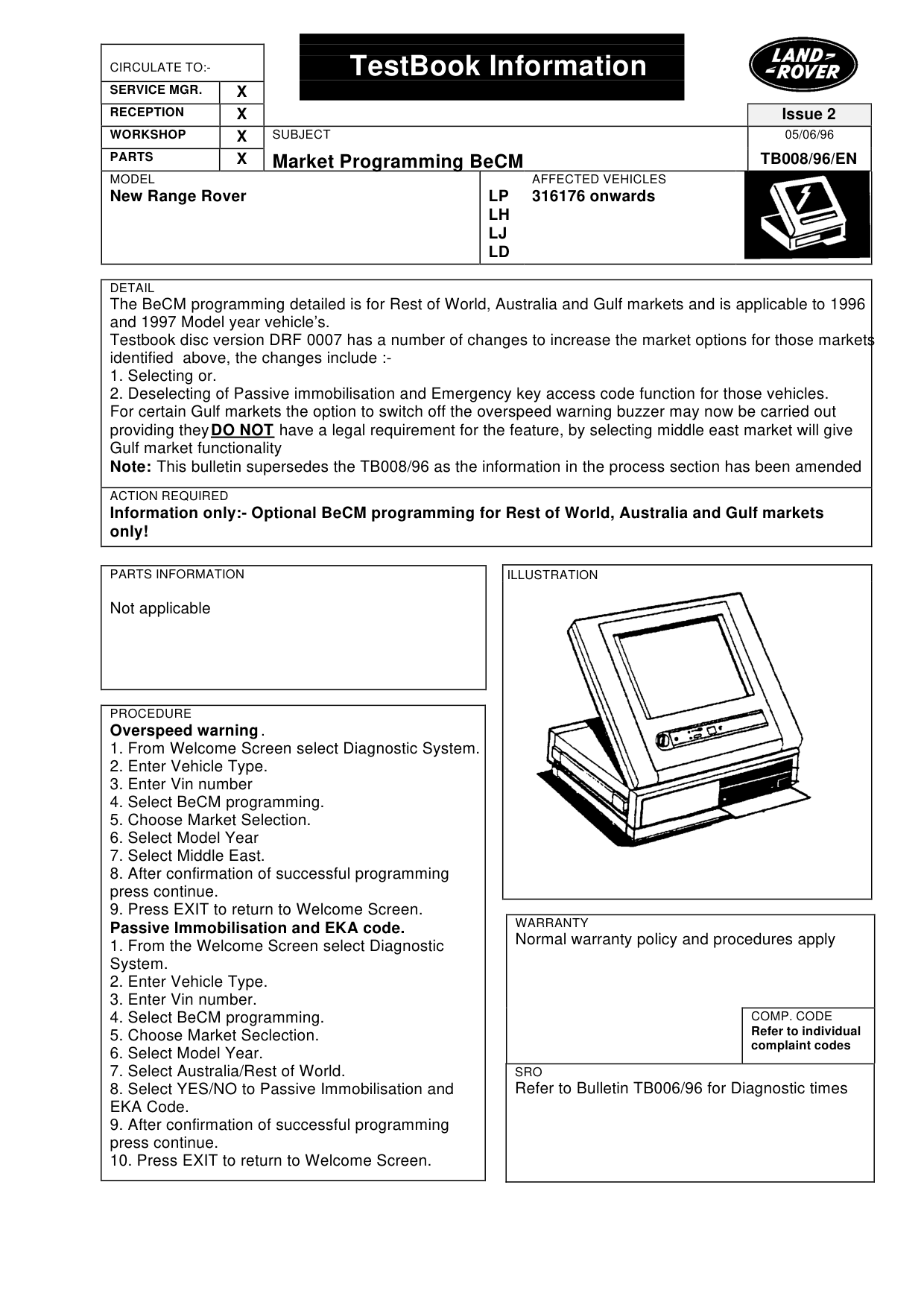
Bulletin text
TestBook Information
Market Programming BeCM
MODEL
New Range Rover
DETAIL
The BeCM programming detailed is for Rest of World, Australia and Gulf markets and is applicable to 1996 and 1997 Model year vehicle’s. Testbook disc version DRF 0007 has a number of changes to increase the market options for those markets identified above, the changes include :1. Selecting or. 2. Deselecting of Passive immobilisation and Emergency key access code function for those vehicles. For certain Gulf markets the option to switch off the overspeed warning buzzer may now be carried out providing they DO NOT have a legal requirement for the feature, by selecting middle east market will give Gulf market functionality Note: This bulletin supersedes the TB008/96 as the information in the process section has been amended
ACTION REQUIRED
Information only:- Optional BeCM programming for Rest of World, Australia and Gulf markets only!
PARTS INFORMATION
Not applicable
PROCEDURE
Overspeed warning . 1. From Welcome Screen select Diagnostic System. 2. Enter Vehicle Type. 3. Enter Vin number 4. Select BeCM programming. 5. Choose Market Selection. 6. Select Model Year 7. Select Middle East. 8. After confirmation of successful programming press continue. 9. Press EXIT to return to Welcome Screen. Passive Immobilisation and EKA code. 1. From the Welcome Screen select Diagnostic System. 2. Enter Vehicle Type. 3. Enter Vin number. 4. Select BeCM programming. 5. Choose Market Seclection. 6. Select Model Year. 7. Select Australia/Rest of World. 8. Select YES/NO to Passive Immobilisation and EKA Code. 9. After confirmation of successful programming press continue. 10. Press EXIT to return to Welcome Screen.
Issue 2 05/06/96
TB008/96/EN
AFFECTED VEHICLES
LP 316176 onwards LH LJ LD
WARRANTY
Normal warranty policy and procedures apply
COMP. CODE
Refer to individual complaint codes
SRO
Refer to Bulletin TB006/96 for Diagnostic times
Parts & tools for this job For Land Rover Range Rover
- TOOLDigital multimeterSearch: automotive digital multimeter
- PARTAssorted fuse kitSearch: car fuse assortment kit
- TOOLWire crimper and connector kitSearch: wire crimper connector kit
Links open Amazon search results in a new tab. As an Amazon Associate I earn from qualifying purchases.