
Navigation system - positioning error
- Make
- Land Rover
- Model
- Range Rover P38 Technical Bulletins
- Section
- Navigation system - positioning error › Navigation system - positioning error
NAVIGATION SYSTEM - POSITIONING ERROR
- Model
- Range Rover P38
- Reference
- Service action 242
Bulletin text
SERVICE ACTION BULLETIN
Circulation: X Indicates to whom this information should be circulated SERVICE MANAGER SERVICE RECEPTION PARTS MANAGER WARRANTY MANAGER
Range Rover with factory fitted navigation system
Build date range
PROBLEM:
NAVIGATION SYSTEM - POSITIONING ERROR
CAUSE:
Due to a software fault, the positioning icon on the map display, can occasionally ‘jump’ off the route and back on again. This effect in some circumstances could lead to incorrect directions at junctions.
ACTION:
To overcome this error, revised software has been introduced and is included on Navigation disc VDW000020, software release V1.2 for the MKIII navigation computer.. To ensure that your customer receives the revised software the system update must carried out at the next available opportunity, ie service visit. This update is provided ‘Free of Charge’ to your customers.
PROCEDURE
Software Update Procedure
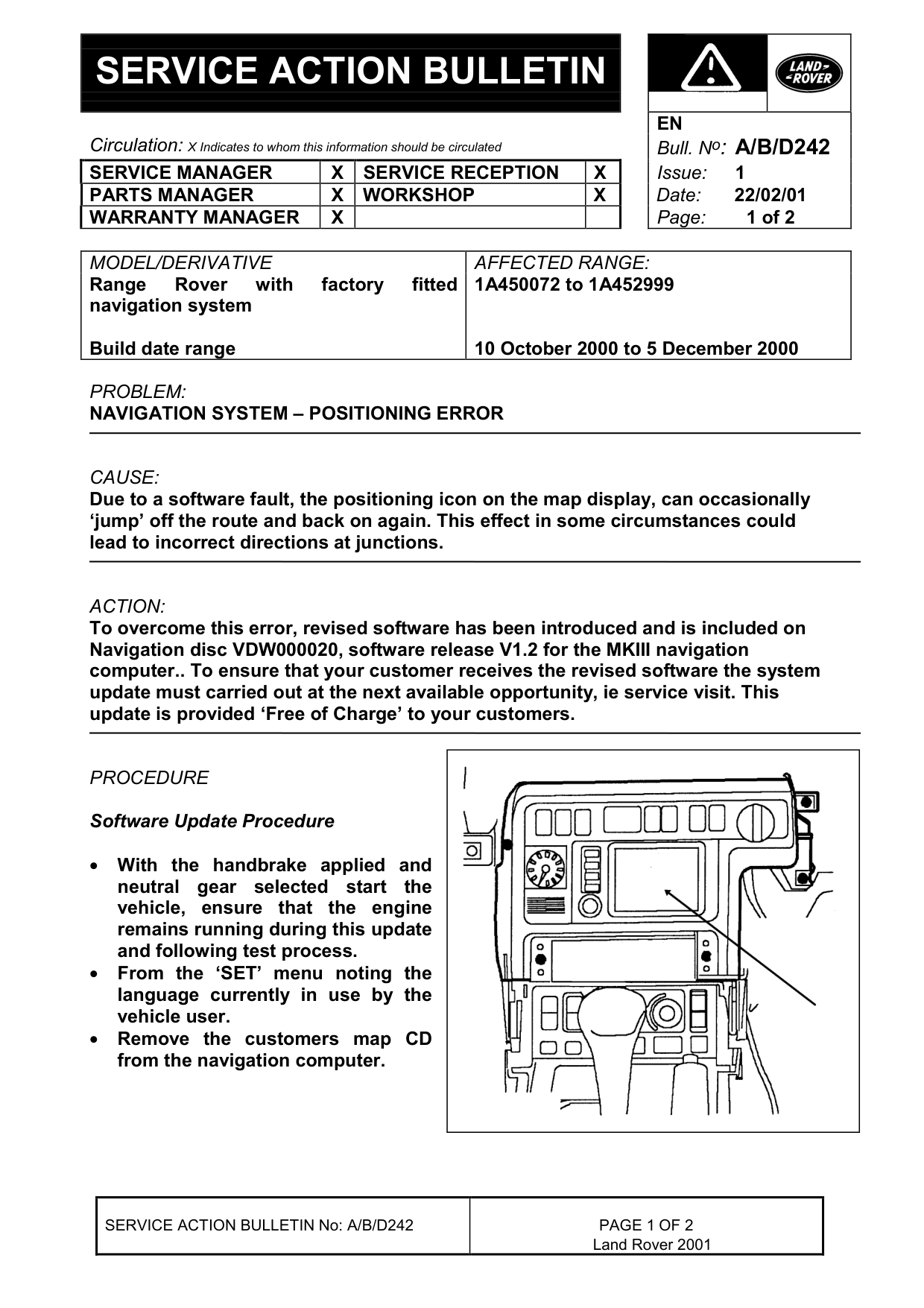
• With the handbrake applied and neutral gear selected start the vehicle, ensure that the engine remains running during this update and following test process. • From the ‘SET’ menu noting the language currently in use by the vehicle user. • Remove the customers map CD from the navigation computer.
SERVICE ACTION BULLETIN No: A/B/D242
EN Bull. N o : A/B/D242 1 22/02/01 Page: 1 of 2
AFFECTED RANGE:
1A450072 to 1A452999
10 October 2000 to 5 December 2000
Land Rover 2001
• Insert the new software CD, VDW000020 into the navigation computer, the display screen will flicker and darken to black and remain black for approximately 30 seconds. • Instructions and a status bar will appear on the display screen during the software loading procedure. • Once the loading has completed the CD will automatically eject from the computer. • Remove the software CD from the computer. • Replace the customers map CD into the navigation computer. • Acknowledge the ‘On screen’ message by selecting ‘OK’. • The screen display will flicker and darken to black before the navigation system restarts.
Test Installation of New software
• Place the navigation system in self test mode: a) Select the ‘SET’ menu option. b) Press and hold the ‘MENU’ button until the system enters self test mode - approximately 10 seconds. • Select ‘Navigation/Graphic Element’. • The software level ‘SW’ should display ‘12’. • Press the ‘MENU’ button. • From the set menu reload the language that was in use by the customer prior to updating the software level. It may be necessary to reinsert the software CD VDW000020 to do this. • Switch off the ignition • Software update complete.
PARTS INFORMATION:
VDW000020 Software CD V.12
WARRANTY CLAIMS: UK Complaint code A242 Option code A = 00.30 hour - Update navigation system
USA/Canada Complaint code B242 86.53.89/27 = 00.30 hour - Update navigation system
Europe/Rest of World Complaint code D242 86.53.89/27 = 00.30 hour - Update navigation system
SERVICE ACTION BULLETIN No: A/B/D242 Land Rover 2001
Parts & tools for this job For Land Rover Range Rover
- TOOLTorque wrenchSearch: 3/8 inch torque wrench
- TOOLSocket setSearch: socket set metric
- BOOKHaynes manualSearch: Haynes manual Land Rover Range Rover
Links open Amazon search results in a new tab. As an Amazon Associate I earn from qualifying purchases.