
RX8 2RTR-1.3L (2006)
10. If programming more card keys, remove the supplementary key once, and then repeat the procedure from Step 2.
Using M-MDS
1. Fully lower the driver-side door glass.
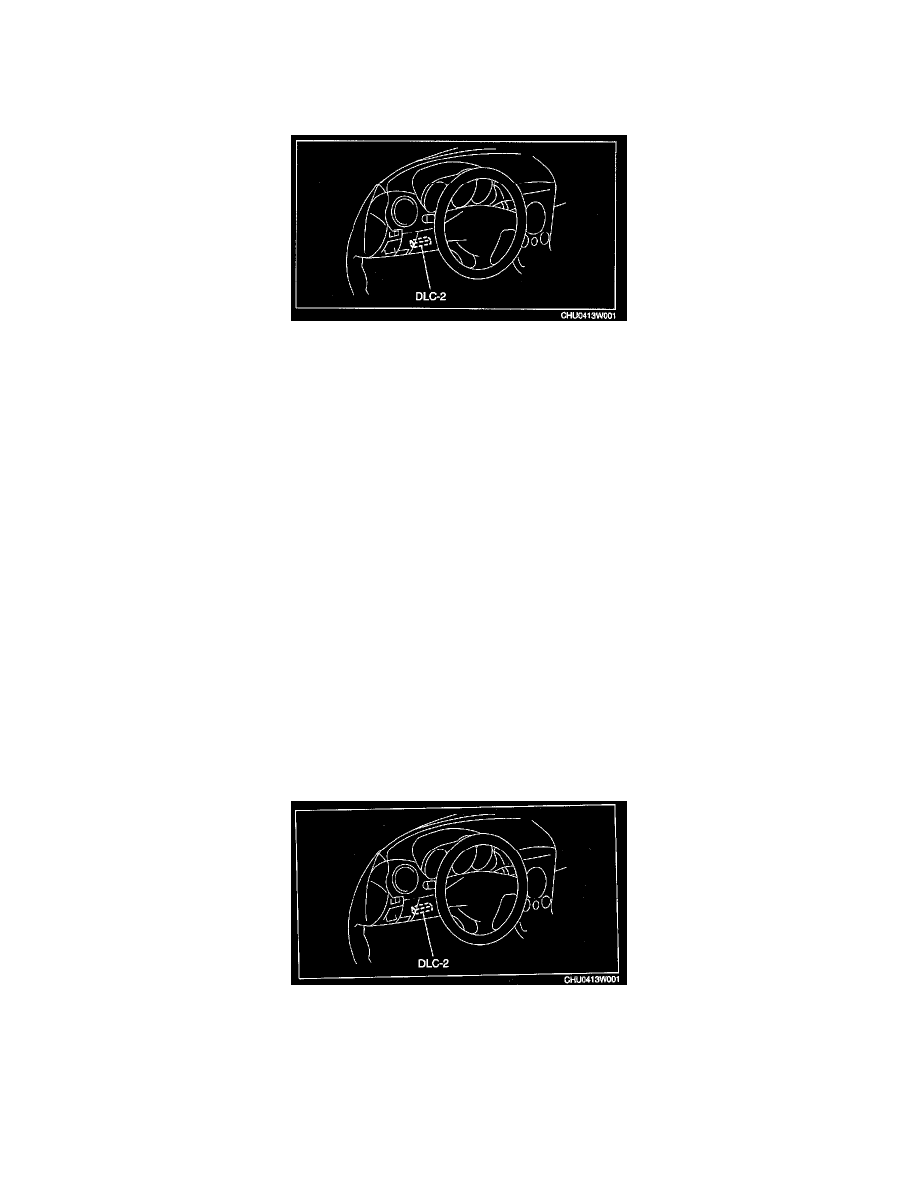
2. Connect the M-MDS to the DLC-2.
3. Pull out the M-MDS cable from the door glass opening and set the M-MDS outside the vehicle.
CAUTION: Protect the cable and body contact area with a clean rag, otherwise they could be damaged.
4. Select "BODY/SECURITY/PATS (immobilizer)" from the M-MDS screen menu.
5. Security access begins and the M-MDS displays the "OUT-CODE".
NOTE: When "OUT-CODE" is first displayed, turning the ignition switch from the LOCK to the ON position 5 times will change the
"OUT-CODE".
6. Input the "IN-CODE" that corresponds to the "OUT-CODE "displayed on the M-MDS screen.
7. Select "CARD KEY PROGRAMMING" from the M-MDS screen menu.
NOTE: After Step 7 is completed and the card key programming is activated, the door lock actuator operates to lock, and then operates to unlock.
8. Press the unprogrammed card key UNLOCK button twice.
NOTE: After Step 8 is completed and the card key is programmed, the door lock actuator operates to lock, and then operates to unlock.
9. If programming more card keys, remove the supplementary key once, and then repeat the procedure from Step 7 by following the instructions on
the M-MDS screen.
Clearing Card Key[With Advanced Keyless System]
CLEARING CARD KEY [WITH ADVANCED KEYLESS SYSTEM]
1. Fully lower the driver-side door glass.
2. Connect the M-MDS to the DLC-2.
3. Pull out the M-MDS cable from the door glass opening and set the M-MDS outside the vehicle.
CAUTION: Protect the cable and body contact area with a clean rag, otherwise they could be damaged.
4. Select "BODY/SECURITY/PATS (immobilizer)" from the M-MDS screen menu.
5. Security access begins and the M-MDS displays the "OUT-CODE".