
Removing and installing brake caliper piston
- Make
- Volkswagen
- Model
- Amarok 2H
- Year
- 2010–2020
- Section
- Front brake caliper › Removing and installing brake caliper piston
Removing and installing brake caliper piston
Special tools and workshop equipment requiredRemoval wedge 3409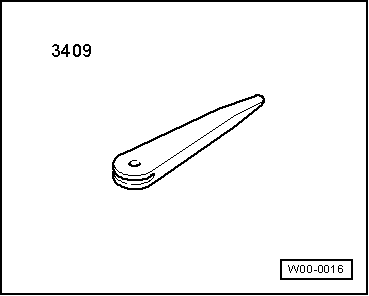
Press piston out of brake caliper housing using compressed air.
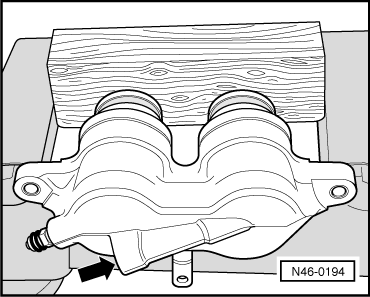
Place a piece of wood in the recess to prevent damage to the pistons.
Remove seals using removal wedge 3409.
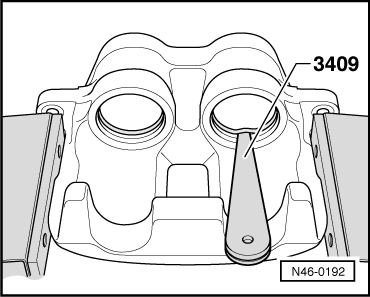
When removing ensure that the surface of the cylinder is not damaged.
Note
- Only use methylated spirits to clean brake caliper housing.
Installation is performed in reverse sequence; note the following:
Apply a thin coat of assembly paste to pistons and seals before inserting Electronic Parts Catalogue (ETKA).
Insert oil seals in brake caliper housing.
Place protective cap with outer sealing lip on piston.
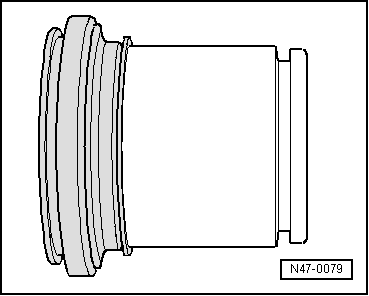
Using removal wedge 3409, insert inner sealing lip into cylinder groove.
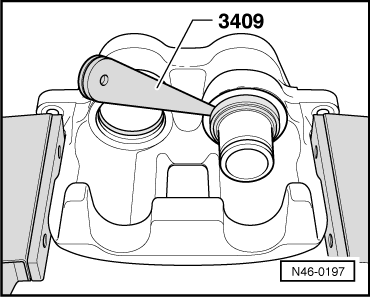
When doing this, hold piston in front of brake caliper housing.
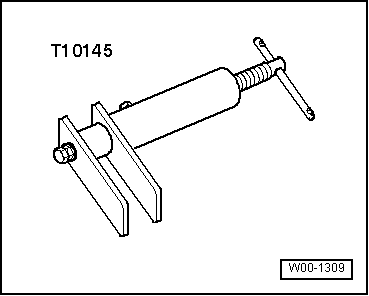
Press piston into brake caliper housing using piston resetting tool T10145(1).
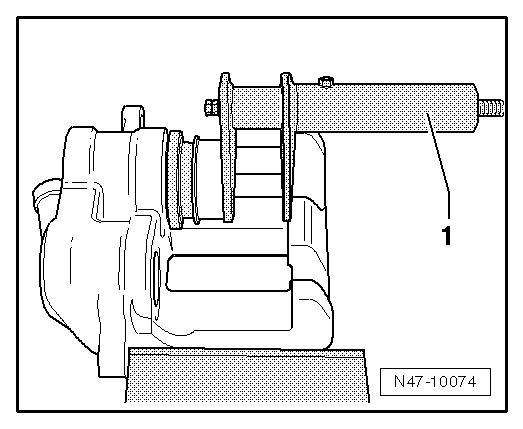
The outer sealing lip on the protective cap will then slip into the piston groove.
Parts & tools for this job For 2010 Volkswagen Amarok
- PARTFront brake padsSearch: Volkswagen Amarok 2010 front brake pads
- TOOLCaliper piston rewind toolSearch: brake caliper piston rewind tool
- FLUIDBrake fluidSearch: brake fluid
As an Amazon Associate we earn from qualifying purchases.