
Removing and installing rear step
- Make
- Volkswagen
- Model
- Crafter Mk1
- Year
- 2006–2016
- Section
- Rear bumper › Removing and installing rear step
General body repairs, exteriorRemoving and installing rear step
Removing and installing rear step
Special tools and workshop equipment requiredTorque wrench V.A.G 1331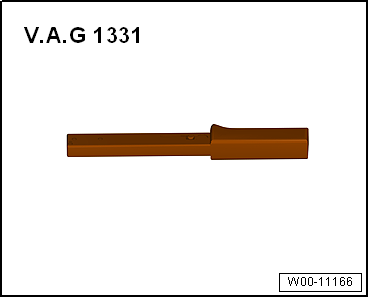
Note
- The removal and installation procedures may have to be revised slightly depending on model.
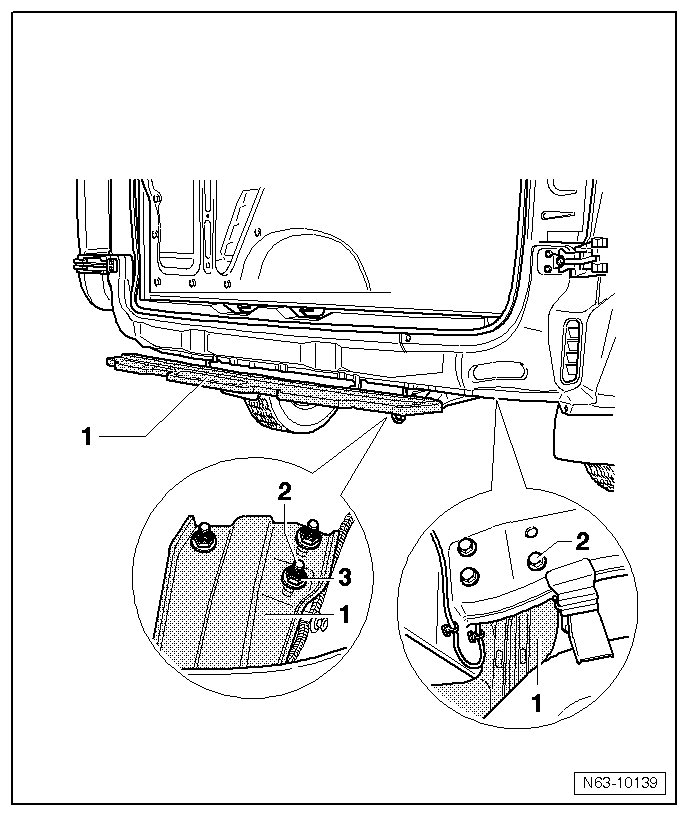
Remove rear bumper cover → Chapter.
Remove hexagonal nuts (3).
Note
- Have rear step (1) held with help of second mechanic.
Remove bolts (2) from mountings and remove rear step (1) with a second mechanic.
Install in reverse order, noting the following.
- Chapter“Assembly overview - steps”
Parts & tools for this job For 2006 Volkswagen Crafter
- TOOLTrim removal tool kitSearch: trim removal tool kit
- PARTTouch-up paintSearch: Volkswagen touch up paint
- PARTPanel clip assortmentSearch: Volkswagen panel clips assortment
As an Amazon Associate we earn from qualifying purchases.