
Removing and installing damper weight
- Make
- Volkswagen
- Model
- Crafter Mk1
- Year
- 2006–2016
- Section
- Propshaft › Removing and installing damper weight
Removing and installing damper weight
Special tools and workshop equipment requiredTorque wrench V.A.G 1331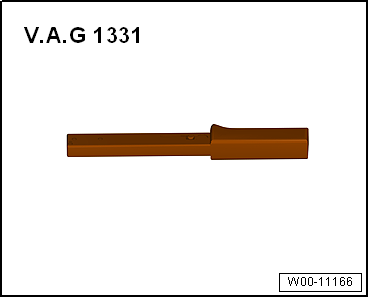
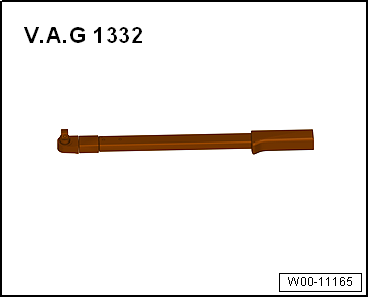
Note
- Before loosening the treaded connection, mark positions of all parts relative to each other.
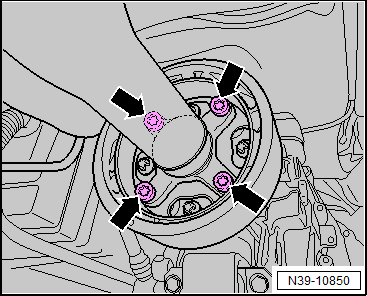
Loosen bolts (arrows).
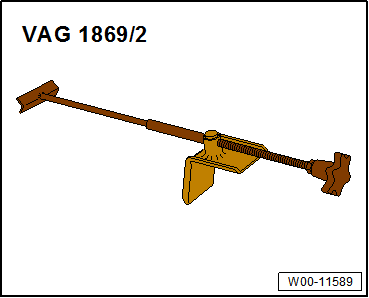
Apply brake pedal actuator V.A.G 1869/2 when loosening and tightening.
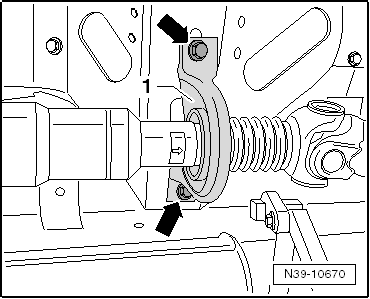
Unscrew bolts (arrows) of intermediate bearing (1).
Turn propshaft until universal joint is vertical, as shown (arrow).
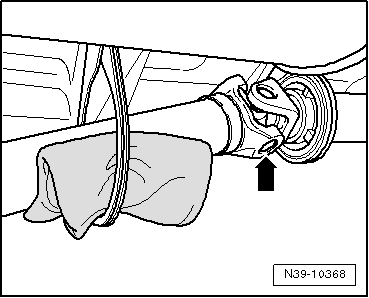
Warning Lay, for example, a cloth over the safety bar so that the universal joint of the propshaft does not flex to stop, as well as to avoid damaging the paint of the propshaft.
Unscrew bolts (arrows) of both intermediate bearings (1).
Unscrew bolt for front left retaining clip (1) (as viewed when looking in direction of travel).
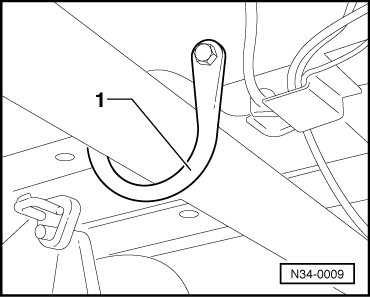
Loosen bolt for front right retaining clip (1) (as viewed when looking in direction of travel).
Turn propshaft until universal joint is vertical, as shown (arrow).
Warning Lay, for example, a cloth over the safety bar so that the universal joint of the propshaft does not flex to stop, as well as to avoid damaging the paint of the propshaft.
Compress propshaft, remove it from damper weight, and lay its loose end to one side.
Remove damper weight (e.g. lever it off using a suitable tool, or loosen it using a plastic hammer).
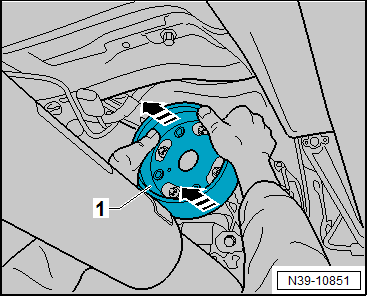
Install in the reverse order of removal, observing the following:
Note
- Spray a thin and even coat of anti-corrosion wax to the propshaft to prevent corrosion build-up on a damaged paintwork.
- Chapter“Assembly overview - propshaft”
Parts & tools for this job For 2006 Volkswagen Crafter
- PARTRear wheel bearingSearch: Volkswagen Crafter 2006 rear wheel bearing
- TOOLBearing puller kitSearch: wheel bearing puller kit
- PARTCV boot kitSearch: Volkswagen Crafter 2006 cv boot kit
As an Amazon Associate we earn from qualifying purchases.