
Removing and installing mounting bracket
- Make
- Volkswagen
- Model
- Golf Plus
- Year
- 2005–2014
- Section
- Brake pedal › Removing and installing mounting bracket
Brake systemsRemoving and installing mounting bracket
Removing and installing mounting bracket
Remove brake pedal → Chapter.
Remove bolt (1) from brake servo (2).
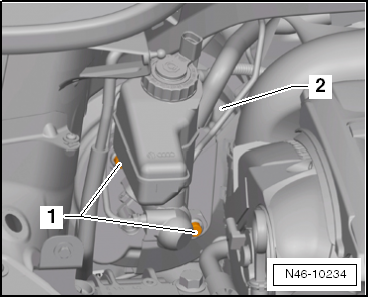
Unscrew bolt (1) on the right above the brake pedal support.
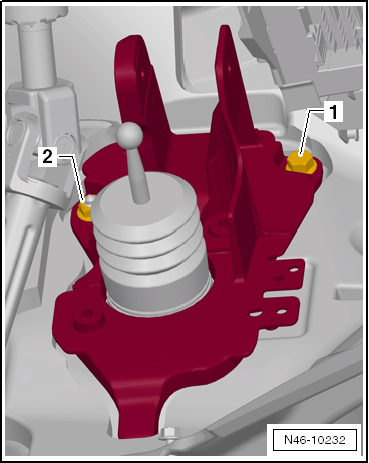
Unscrew nut (2) on the left above the brake pedal support.
Remove the mounting bracket.
Install in reverse order.
| Specified torques: | |
|---|---|
| Brake servo to mounting bracket and bulkheadUse new bolts. | 25 Nm |
| Mounting bracket to bulkheadUse new nut and bolt! | 25 Nm |
Parts & tools for this job For 2005 Volkswagen Golf
- PARTBrake padsSearch: Volkswagen Golf 2005 brake pads
- TOOLBrake bleeder kitSearch: one man brake bleeder kit
- FLUIDBrake fluidSearch: brake fluid
As an Amazon Associate we earn from qualifying purchases.