
Read fault memory
- Make
- Volkswagen
- Model
- LT Mk2
- Year
- 1996–2006
- Section
- Immobiliser self-diagnosis › Read fault memory
Electrical systemRead fault memory
Read fault memory
Initiate immobiliser self-diagnosis → Chapter.
Indication on display:
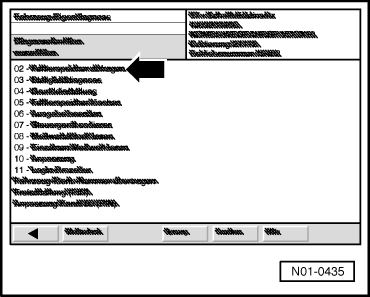
Press „02 - Read fault memory“ on screen (arrow).
Note
- The displayed fault information is only updated when the self-diagnosis is started or the function 05 „Erase fault memory“ is selected. The information is not continuously updated.
Any stored faults are shown on the display:
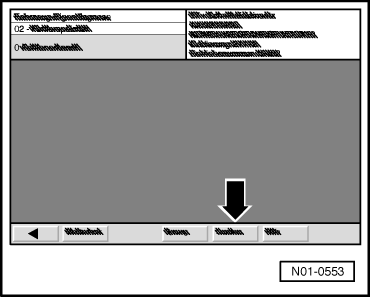
Press „Print“ key on display (arrow) and then on „Screen“ in subsequent print menu.
The printer of the vehicle diagnosis, testing and information system VAS 5051A then prints out either the faults displayed on the screen or „0 faults recognised“. Repair measures are required if any faults are stored. The fault print-out is needed for the repairs.
End output → Chapter.
Parts & tools for this job For 1996 Volkswagen LT
- TOOLOBD2 scannerSearch: OBD2 scanner
- TOOLDigital multimeterSearch: automotive digital multimeter
- TOOLBack-probe test leadsSearch: back probe test leads
As an Amazon Associate we earn from qualifying purchases.