
Removing and installing rear brake caliper piston
- Make
- Volkswagen
- Model
- Passat B7
- Year
- 2010–2015
- Section
- Rear brake calipers › Removing and installing rear brake caliper piston
Removing and installing rear brake caliper piston
Special tools and workshop equipment requiredRemoval wedge 3409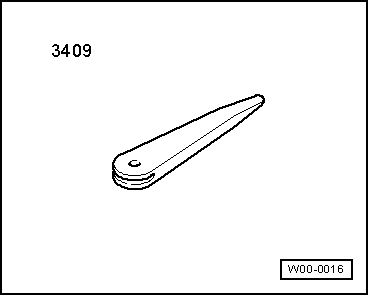
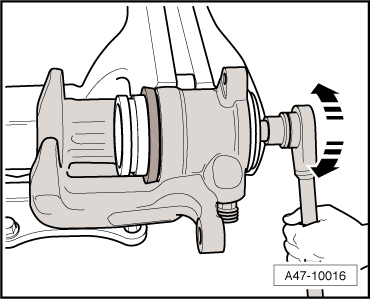
Turn spindle (movement arrow) using a T45 Torx socket.
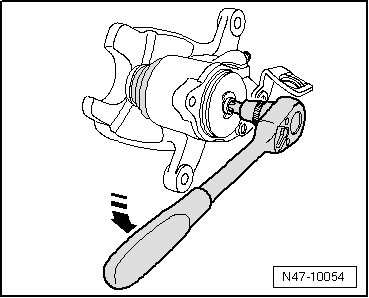
The thrust nut pushes the piston out of the brake caliper.
Remove piston and protective cap from brake caliper.
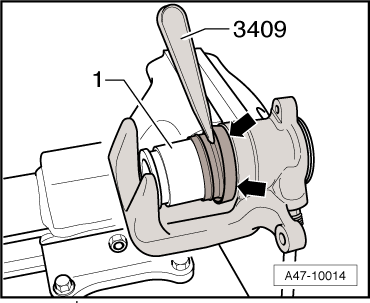
Remove seal using wedge 3409.
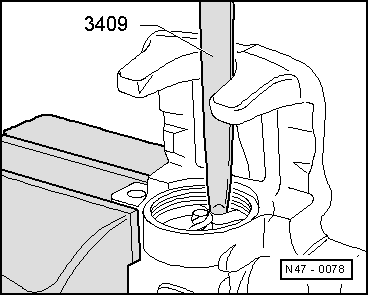
The surfaces of the piston and seal must be cleaned only with methylated spirits and then dried.
Apply a thin coat of assembly paste G 052 150 A2 to piston and seal before inserting.
Insert seal in brake caliper.
Place protective cap with outer sealing lip on piston.
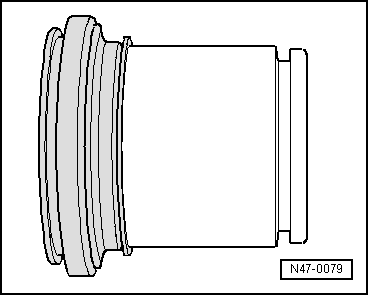
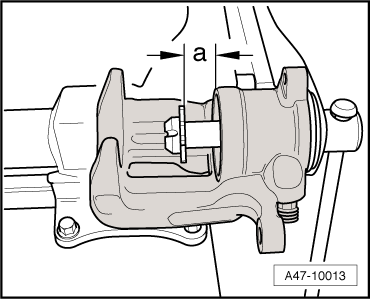
Screw thrust nut onto spindle until dimension (a) 15 mm is achieved.
Insert inner sealing lip of protective cap into groove (arrows) in brake caliper using removal wedge 3409.
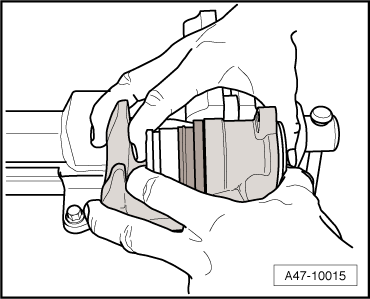
Push piston onto thrust nut; this is only possible in four positions.
Carefully push piston into brake caliper, whilst moving piston.
Now push piston into brake caliper until it rests on thrust nut.
Carefully turn spindle clockwise until thrust nut is located on stop.
Ensure that protective cap lies flush all around on brake caliper (arrows).
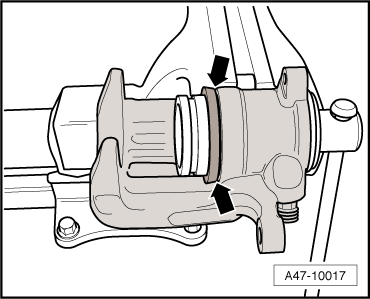
Press piston into brake caliper by hand.
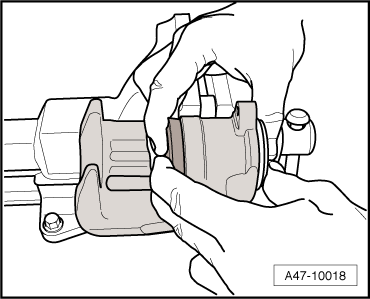
The outer sealing lip will then spring into the piston groove.
Parts & tools for this job For 2010 Volkswagen Passat
- PARTRear brake padsSearch: Volkswagen Passat 2010 rear brake pads
- TOOLCaliper piston rewind toolSearch: brake caliper piston rewind tool
- FLUIDBrake fluidSearch: brake fluid
As an Amazon Associate we earn from qualifying purchases.