
S80 2.9 L6-2.9L VIN 94 B6294S (2000)
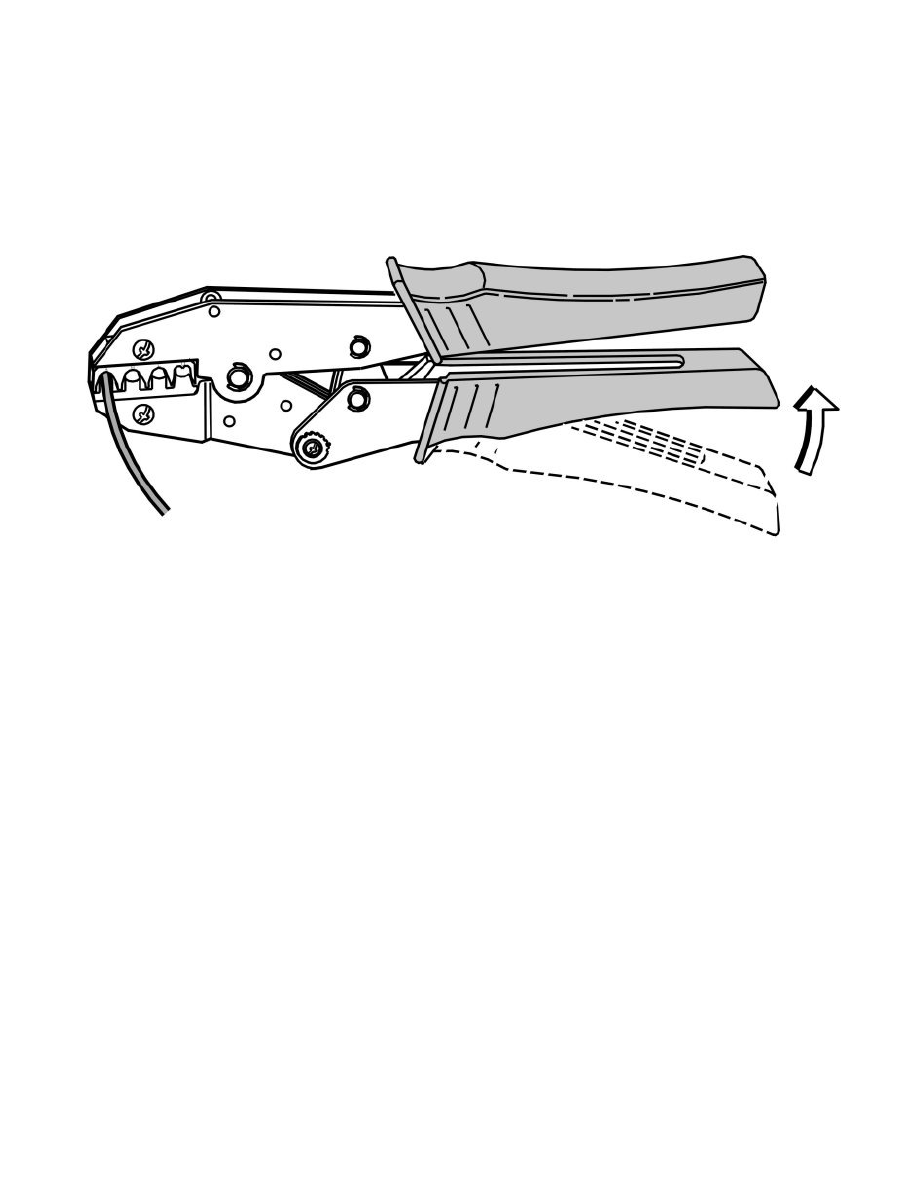
Crimp new cable terminal
-
Strip the cable according to chapter Stripping the cable See: Stripping a Cable/Stripping the Cable.
-
Replace cable terminal. Selecting cable terminal, see New cable terminal See: Replacing Cable Terminals/New Cable Terminal.
Hint: The following cable terminals are available for the relevant pin housing: 914 8104, 914 8135.
-
Carry out a single wire seal on the cable terminal according to Seal sws and plug See: Replacing Cable Terminals/Seal SWS and Plug.
-
Crimp the cable terminal according to Crimping a cable terminal See: Terminal Crimping/Crimping a Cable Terminal.
Insert the new cable terminal in the housing
-
Insert the new cable terminal in the receptacle housing from the cable side (in the correct position). A click is heard when it hooks into place.
-
Carefully pull on the cables to check that the terminal is firmly attached.
-
Check the single wire seal.
Reassemble the connector