
S80 2.9 L6-2.9L VIN 94 B6294S (2000)
-
Press in the locking tab on the cable terminal and carefully pull out the cable and the cable terminal.
Hint: Use terminal removal tool951 2812 Terminal removal tool See: Tools and Equipment/951 2812 Terminal Removal Tool.
Crimp new cable terminal
-
Strip the cable see Stripping the cable See: Stripping a Cable/Stripping the Cable.
-
Replace cable terminal. Selecting cable terminal, see New cable terminal See: Replacing Cable Terminals/New Cable Terminal.
Hint: The following cable terminals are available for the relevant socket housing: 944 2486.
-
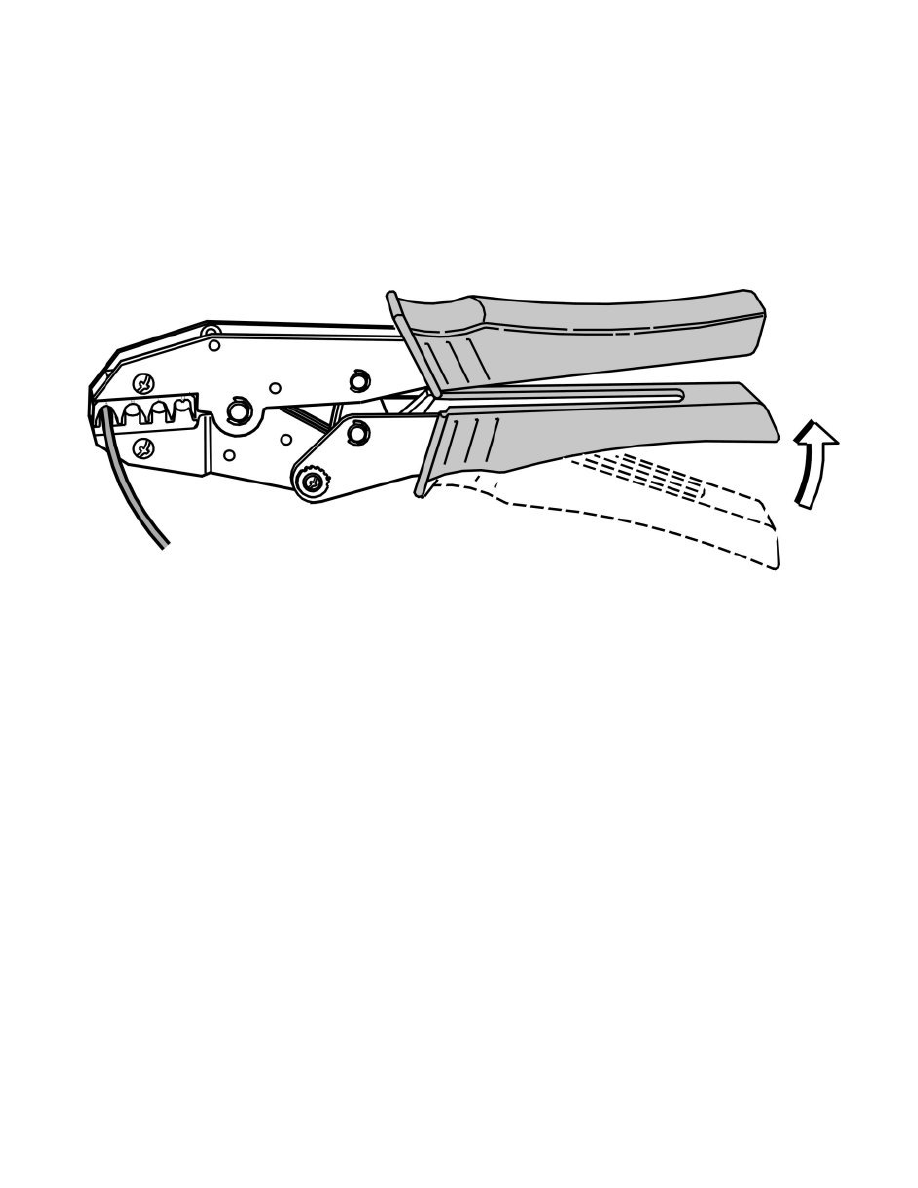
Crimp cable terminal, see Crimping a cable terminal See: Terminal Crimping/Crimping a Cable Terminal.
Insert the new cable terminal in the housing
-
Insert the new cable terminal in the receptacle housing from the cable side. A click is heard when it hooks into place.
-
Carefully pull on the cables to check that the terminal is firmly attached.
Reassemble the connector