
Telecommunication System (page 4 of 7)
- Make
- Land Rover
- Model
- Range Rover L322 Range Rover System Description and Operation
ENTERTAINMENT AND INFORMATION SYSTEMS
DESCRIPTION AND OPERATION 86-8-65
The following describes the process for manually registering a new phone to a vehicle. Again it should be remembered
that only one phone can be registered to a vehicle and that any other phone should be de-registered prior to trying to
register a new phone.
Replacement handsets will be supplied from the manufacturer in German. Language changes can only be made once
the phone is registered to the vehicle, therefore the registration process for new phones must be completed in
German.
1 The Ignition must be “ON” and phone must be switched “ON” for a minimum of 10 seconds. NB it is not
necessary to have the SIM card inserted to register a handset
2 The handset display will show “BITTE ANMELLDEN” (PLEASE REGISTER)
3 Turn the ignition “OFF” and remove the phone from the eject box
4 Switch the eject box switch to position “O” within 10 seconds
5 Turn the eject box switch to position “I” within 5 seconds
6 Press the “OK” button on the handset, the handset should display “GERATE CODE” (ENTER CODE)
7 Enter 0000 and press the “OK” button
8 The handset will display “ANMELLDEN LAUFT” when registered
9 The handset will then display “BITTE SETTEN SIE IHREKARTEIN” (PLEASE INSERT THE SIM CARD)
The process is complete. Note that the handset will still display in German.
Once the registration process is complete the handset language need to be changed.
1 With the SIM card in and the ignition “ON” turn on the handset. The handset will display “SUCHE BASIS”
(SEARCHING BASE)
2 When the service provider is displayed on the handset, press the “MENU” button
3 Press 7 to select option 7 in the menu
4 The display will show “SPRACHE” press “OK”
5 Highlight the desired language and press “OK”
6 Return to main menu
The handset should now display in the chosen language.
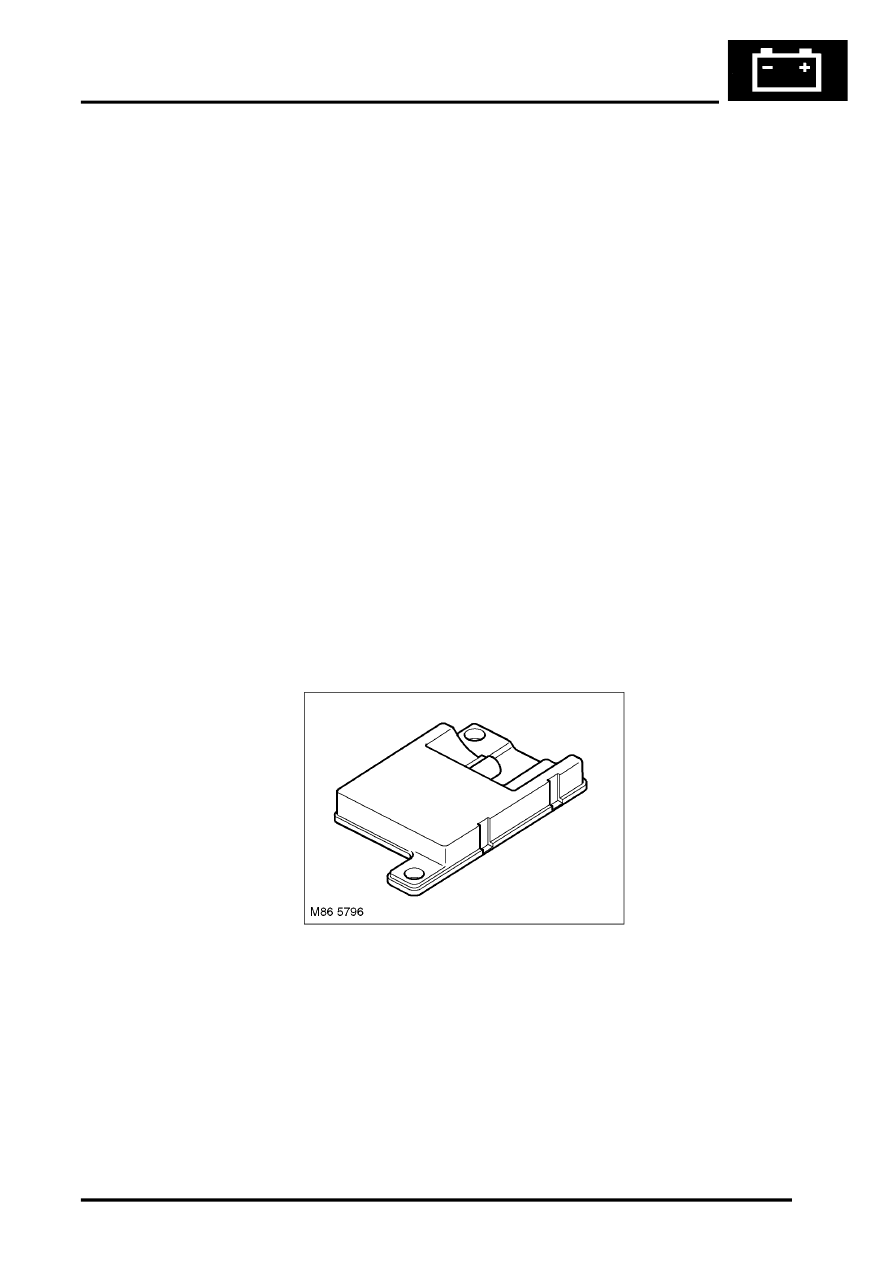
Cordless Handset Antenna
The cordless handset antenna is located in the left hand side of the luggage compartment. This antenna allows the
cordless handset to communicate with the Telephone ECU.
Parts & tools for this job For Land Rover Range Rover
- TOOLTorque wrenchSearch: 3/8 inch torque wrench
- TOOLSocket setSearch: socket set metric
- BOOKHaynes manualSearch: Haynes manual Land Rover Range Rover
Links open Amazon search results in a new tab. As an Amazon Associate I earn from qualifying purchases.