
Removing and installing connection for external audio source R199
- Make
- SEAT
- Model
- Leon León
- Year
- 5F, 2012–2020
- Section
- Communication › Removing and installing connection for external audio source R199
InfotainmentRemoving and installing connection for external audio source R199
Removing and installing connection for external audio source R199
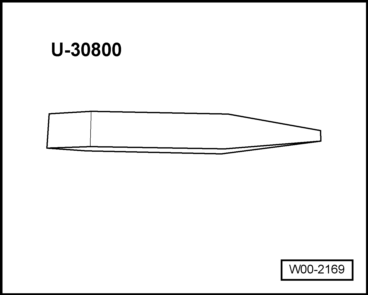
- Lever U30800
Switch off ignition and all electrical consumers, and remove ignition key.
Equipment variant with control unit for information electronics 1 J794: Removing control unit for information electronics 1 J794 Chapter “Removing and installing control unit 1 for information electronics J794”.
Remove screws (1, 2 and 3 ) in glove box.
Release clips ( 4).
Pull out glove box until the connectors of the connection device for external audio sources can be disconnected R199
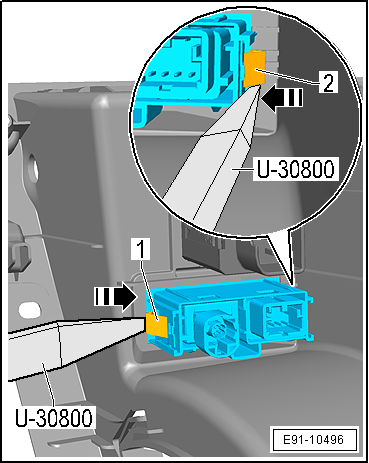
Using the wedge U30800, press the tabs (arrows) as shown in the figure and remove the connection R199 (1) in the glove compartment.
Installation is carried out in the reverse order.
Parts & tools for this job For 2012 SEAT Leon
- TOOLTorque wrenchSearch: 3/8 inch torque wrench
- TOOLSocket setSearch: socket set metric
- BOOKHaynes manualSearch: Haynes manual SEAT Leon
As an Amazon Associate we earn from qualifying purchases.