
CAUTION / NOTICE / HINT - Toyota Hilux AN120/AN130 2015-2018 Workshop Manual
- Make
- Toyota
- Model
- Hilux Toyota Hilux AN120/AN130 2015-2018 Workshop Manual
- Section
- Cellular Phone Inspection › CAUTION / NOTICE / HINT - Toyota Hilux AN120/AN130 2015-2018 Workshop Manual
CAUTION / NOTICE / HINT
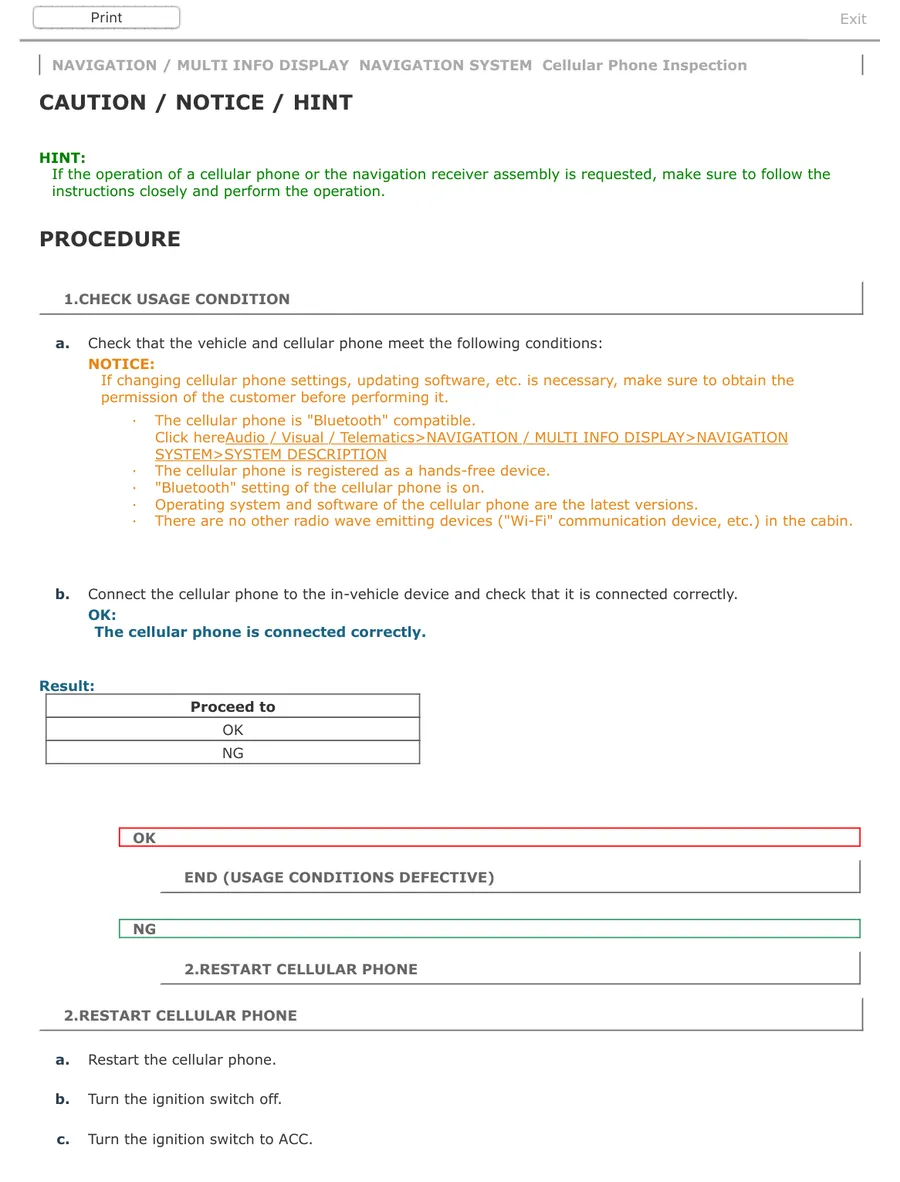
NAVIGATION / MULTI INFO DISPLAY NAVIGATION SYSTEM Cellular Phone Inspection
CAUTION / NOTICE / HINT
HINT: If the operation of a cellular phone or the navigation receiver assembly is requested, make sure to follow the instructions closely and perform the operation. PROCEDURE
1.CHECK USAGE CONDITION
a. Check that the vehicle and cellular phone meet the following conditions:
NOTICE: If changing cellular phone settings, updating software, etc. is necessary, make sure to obtain the permission of the customer before performing it.
· The cellular phone is "Bluetooth" compatible.
SYSTEM>SYSTEM DESCRIPTION
· The cellular phone is registered as a hands-free device.
· "Bluetooth" setting of the cellular phone is on.
· Operating system and software of the cellular phone are the latest versions.
· There are no other radio wave emitting devices ("Wi-Fi" communication device, etc.) in the cabin.
b. Connect the cellular phone to the in-vehicle device and check that it is connected correctly. OK: The cellular phone is connected correctly.
Result: Proceed to
NG
END (USAGE CONDITIONS DEFECTIVE)
NG
2.RESTART CELLULAR PHONE
2.RESTART CELLULAR PHONE
a. Restart the cellular phone.
b. Turn the ignition switch off.
c. Turn the ignition switch to ACC.
Parts & tools for this job For Toyota Hilux
- TOOLTorque wrenchSearch: 3/8 inch torque wrench
- TOOLSocket setSearch: socket set metric
- BOOKHaynes manualSearch: Haynes manual Toyota Hilux
As an Amazon Associate we earn from qualifying purchases.