
Selecting frequency range
- Make
- Fiat
- Model
- Bravo /Brava (182) Factory Service Manual
- Year
- 1995–2001
- Section
- Radio (98 range) › Selecting frequency range
SELECTING FREQUENCY RANGE
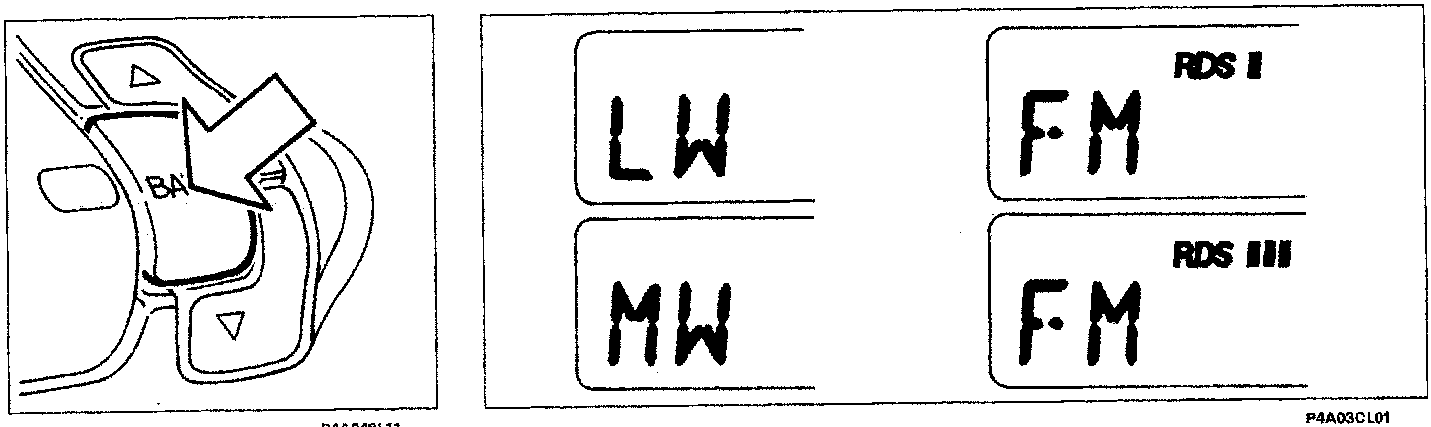
Briefly press the button several times until the display shows the abbreviation of the desired frequency band.
LW=Long wave
MW=Medium wave
FM = frequency modulation
FM-RDS = Divided into three sub-bands with the indications RDS I, RDS II, RDS III for stations which transmit in RDS.
NOTE RDS FUNCTION (Radio Data System)
The RDS system permits, with the enabled transmitters, automatic tuning of the optimum frequency of the selected station; you can therefore continue listening to the station without having to change frequency when you change zone. Naturally it must be possible to receive the station in question in the area you are passing through.
The name of the station transmitting in RDS appears on the display.
MEMORIZATION OF LAST STATION LISTENED TO
This takes place automatically for each frequency band which is tuned when you switch on the radio or change frequency band.
TUNING AUTOMATIC SEARCH
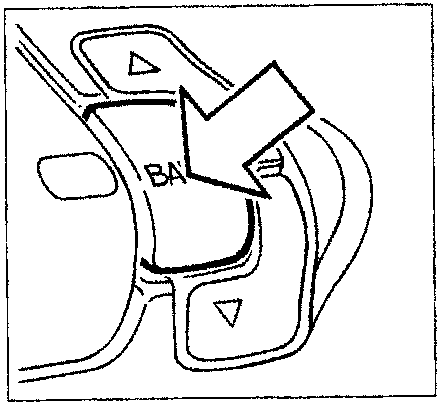
Briefly press the button several times until you select the desired frequency band.
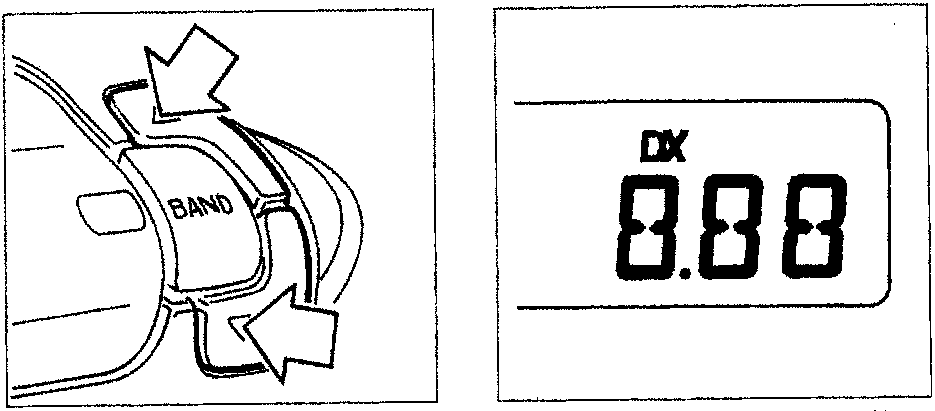
Briefly press one of the two tuning buttons.
The sensitivity of the search increases in the 2nd and 3rd re-scan of the entire range of frequencies: from the 3rd pass, the letters DX appear on the display.
To immediately select the maximum search sensitivity, keep one of the two above-mentioned buttons pressed until the letters DX are displayed.
Do not keep the button pressed for long, otherwise manual tuning search would be selected in the LW, MW or FM bands.
Parts & tools for this job For 1995 Fiat Bravo
- TOOLDigital multimeterSearch: automotive digital multimeter
- PARTAssorted fuse kitSearch: car fuse assortment kit
- TOOLWire crimper and connector kitSearch: wire crimper connector kit
Links open Amazon search results in a new tab. As an Amazon Associate I earn from qualifying purchases.