
Step 16
- Make
- Aston Martin
- Model
- DB7 Factory Workshop Manual Volume 2: Electrics, Body and Air Conditioning
- Year
- 1994–1998
- Section
- Installation instructions › Step 16
Step 16
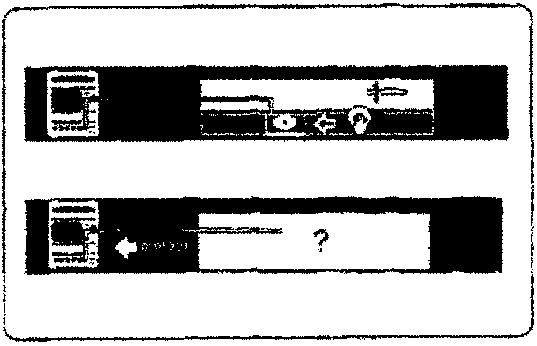
Observe the display screen. Is the screen displaying either of the symbols shown in Fig 19?
YES - Remove the CD caddy and check the CD-ROM. Re-install the CD-ROM. Go to step 13.
NO - Go to step 19
Step 17
Connect the PDU to the base station top left connector using the second PDU to base station cable (0064) (Fig 34). Is the screen displaying the symbol shown in Fig 15?
YES - Go to step 18
NO - The first PDU to base station cable is faulty, renew the cable (0064)
Step 18
Connect the PDU to the VIA using cable (0030) and connect the VIA to the VBA using cable (0028). Connect the VBA to a charged battery. Does the VIA panel indicator flash for more than 5 seconds after pressing the 'tick' icon.
YES - Renew the electronic module (0019)
NO - Renew the PDU (0017)
Step 19
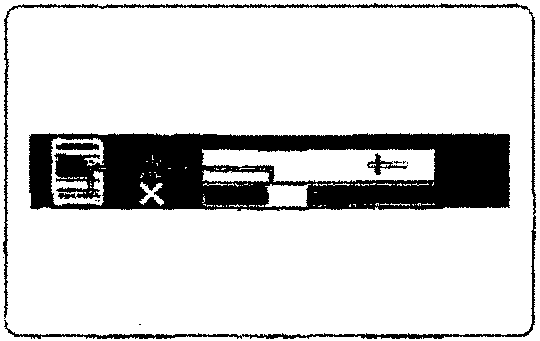
Observe the screen display. Is the screen displaying the symbol shown in Fig 20?
YES - During the data transfer, the connection was lost. Check to see if the cable connections are intact, if not, reconnect and go back to step 13.
NO - Go to step 20
Step 20
Observe the screen display. Is the language selection screen displayed (Fig 21)?
YES - Try to select a language, go to step 21
NO - Call your local GenRad Service Centre for advice.
Parts & tools for this job For 1994 Aston Martin DB7
- TOOLOBD2 scannerSearch: OBD2 scanner
- TOOLDigital multimeterSearch: automotive digital multimeter
- TOOLBack-probe test leadsSearch: back probe test leads
Links open Amazon search results in a new tab. As an Amazon Associate I earn from qualifying purchases.