
Setting the exact time
- Make
- Fiat
- Model
- Bravo /Brava (182) Factory Service Manual
- Year
- 1995–2001
- Section
- Radio equipment › Setting the exact time
Setting the exact time
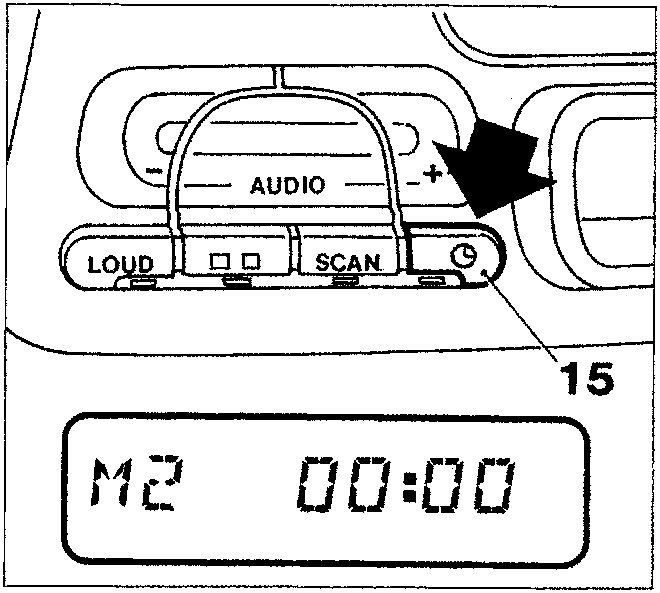
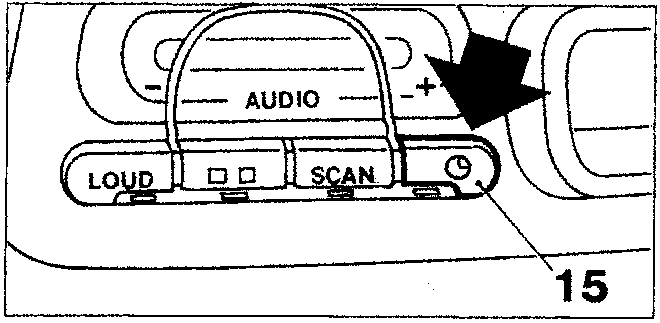
- Keep the switch (15) pressed until the double point on the display, between the hours and the minutes, stops flashing and the words "M1" or "M2" appear on the display depending on the display mode selected;
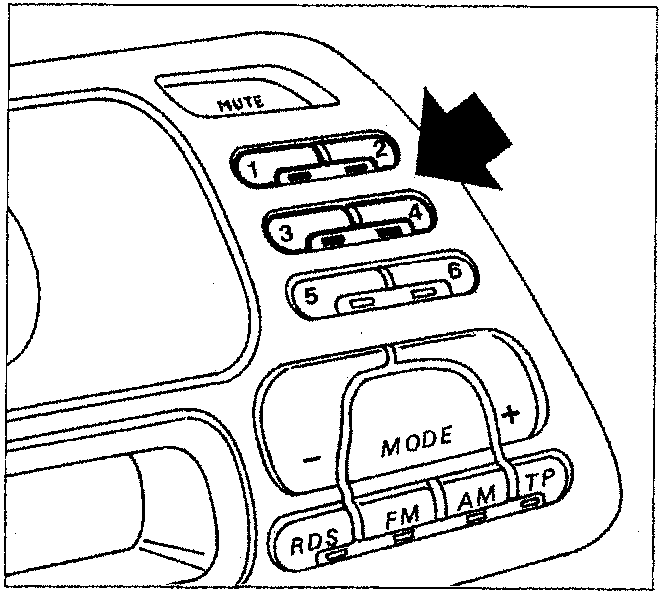
- adjust the hours and minutes indicated on the display, proceeding as described below:
- decrease the hours by pressing switch (1);
- increase the hours by pressing switch (2);
- decrease the minutes by pressing switch (3);
- increase the minutes by pressing switch (4);
NOTE By pressing the switches briefly, the hours and minutes are increased/decreased by one unit whilst by pressing them for longer the hours/minutes display is changed rapidly.
- Once the exact time is set, press the switch (15) again briefly; the counting of the time is started beginning from 0 seconds and it is therefore possible to adjust the clock exactly. The double point, between the hours and the minutes, will start to flash and the words "M1" or "M2" will appear on the display.
Switching priority - time/frequency
Press switch (15) briefly to switch between the display of the clock and the messages relating to the Radio, Cassette or Compact Disc functions for a duration of 10 seconds, after which the indication, which has priority according to the display mode selected, will reappear automatically.
Disconnecting from the supply
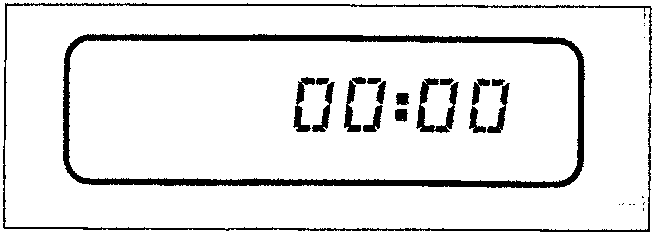
If the radio is disconnected from the supply (even for a short period) when it is connected once again the display will show "00 : 00" with the figures flashing and the double point fixed to indicate that the clock must be adjusted once again.
Parts & tools for this job For 1995 Fiat Bravo
- TOOLDigital multimeterSearch: automotive digital multimeter
- PARTAssorted fuse kitSearch: car fuse assortment kit
- TOOLWire crimper and connector kitSearch: wire crimper connector kit
Links open Amazon search results in a new tab. As an Amazon Associate I earn from qualifying purchases.