
Accessing Freeze Frame Data
- Make
- Aston Martin
- Model
- DB7 Factory Workshop Manual Volume 2: Electrics, Body and Air Conditioning
- Year
- 1994–1998
- Section
- Operating instructions › Accessing Freeze Frame Data
Diagnostic system (PDU)Accessing Freeze Frame Data · page 1 of 2
Accessing Freeze Frame Data
The freeze frame data is vital in analysing unresolved trouble codes. If an emissions related trouble code occurs, complete a diagnostic trouble code report form including the vehicle data, logged trouble codes and the freeze frame data. Fax a copy of the form to Aston Martin Service Operations Department who will assist in resolving the concern.
To access freeze frame data, proceed as follows:
- Switch on the PDU and select 'Engine Diagnostics.
- Select 'OBD II Scan Tool'. The scan tool software will load and the 'Cable Setup' screen will appear.
- Connect the PDU to the lower diagnostic socket using the multi protocol adaptor (MPA). Switch on the ignition. After communications are established, the OBD II Main Menu will appear.
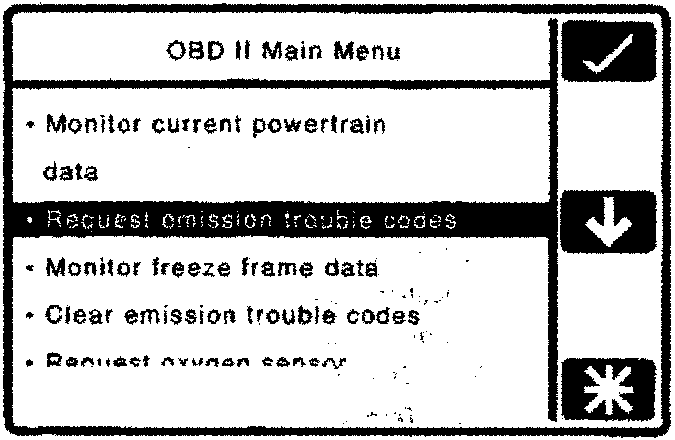
- Select 'Request Emission Trouble Codes' and press the 'tick' icon.
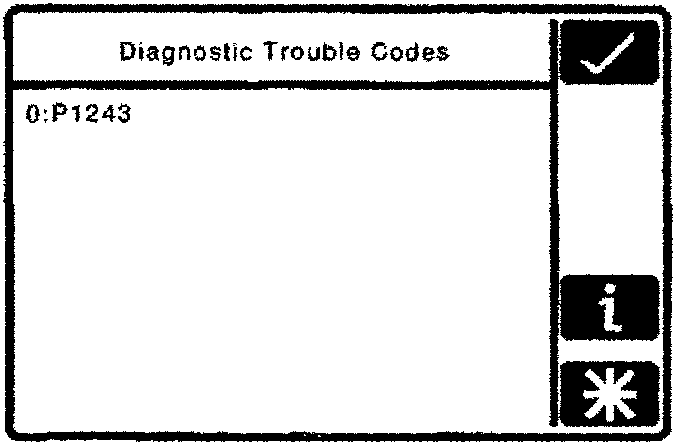
- Any logged diagnostic trouble codes will be displayed on the screen (e.g. 0:P1243). Record both the list number (e.g. 0, 1, 2, etc) and the logged 'P' codes (e.g. P1243, etc).
- Press the 'tick' icon and return to the OBD II main menu.
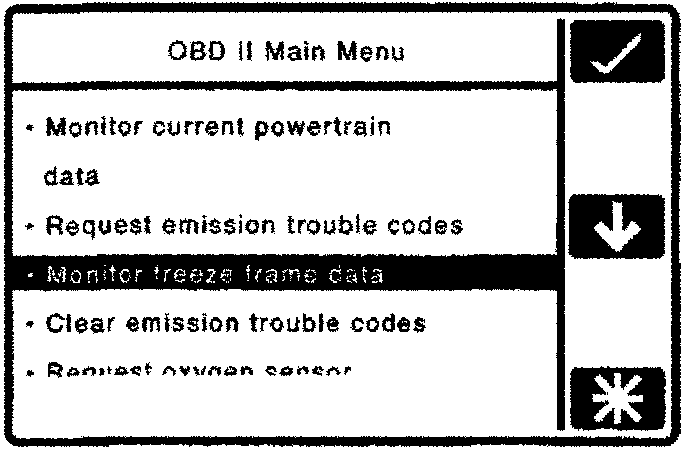
- Select 'Monitor Freeze Frame Data' and press the 'tick' icon.
- The numeric keypad screen will appear. Enter the list number noted in step 5 for the fault code to be investigated and press the 'tick' icon.
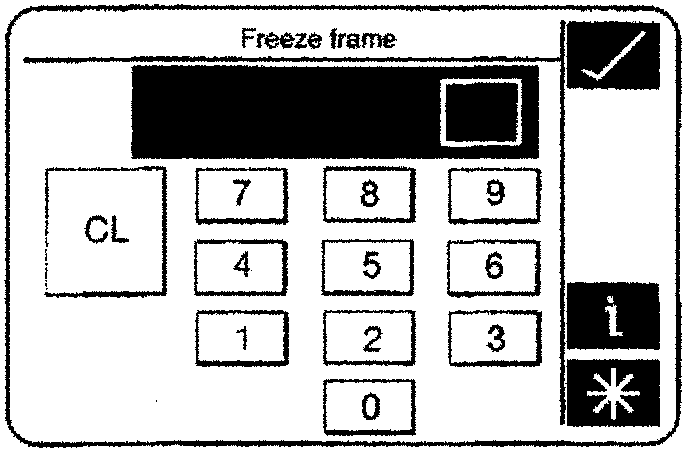
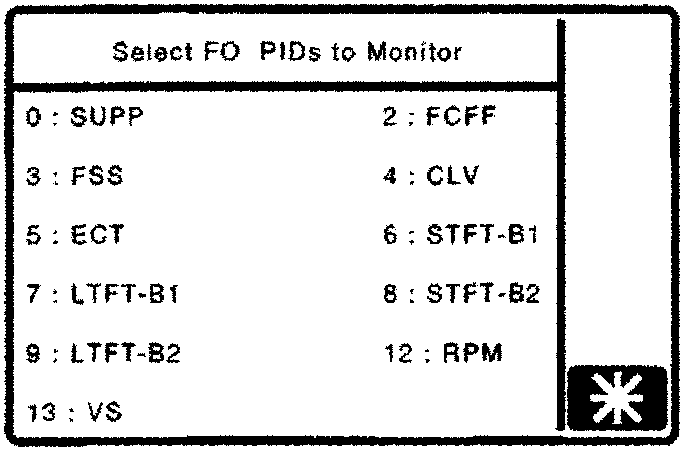
- The 'Select PIDS to Monitor' screen will appear.
Parts & tools for this job For 1994 Aston Martin DB7
- TOOLOBD2 scannerSearch: OBD2 scanner
- TOOLDigital multimeterSearch: automotive digital multimeter
- TOOLBack-probe test leadsSearch: back probe test leads
Links open Amazon search results in a new tab. As an Amazon Associate I earn from qualifying purchases.