
Original page
- Make
- Rover
- Model
- 600 Rover 600 Repair Manual - Volumes 1 and 2 - 2nd Edition
- Section
- Interior fittings › Original page
BodyOriginal page
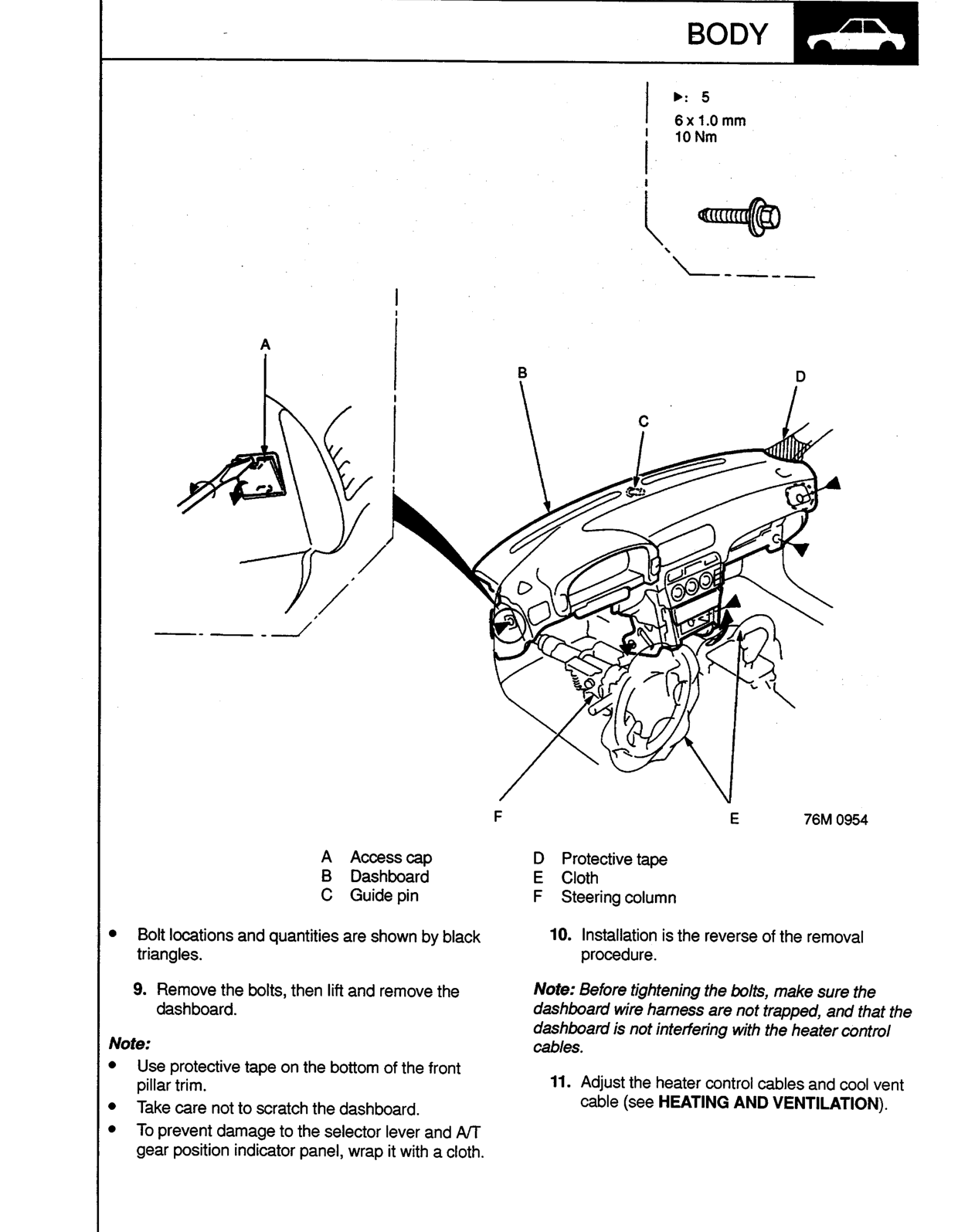
▶: 5
6 x 1.0 mm
10 Nm
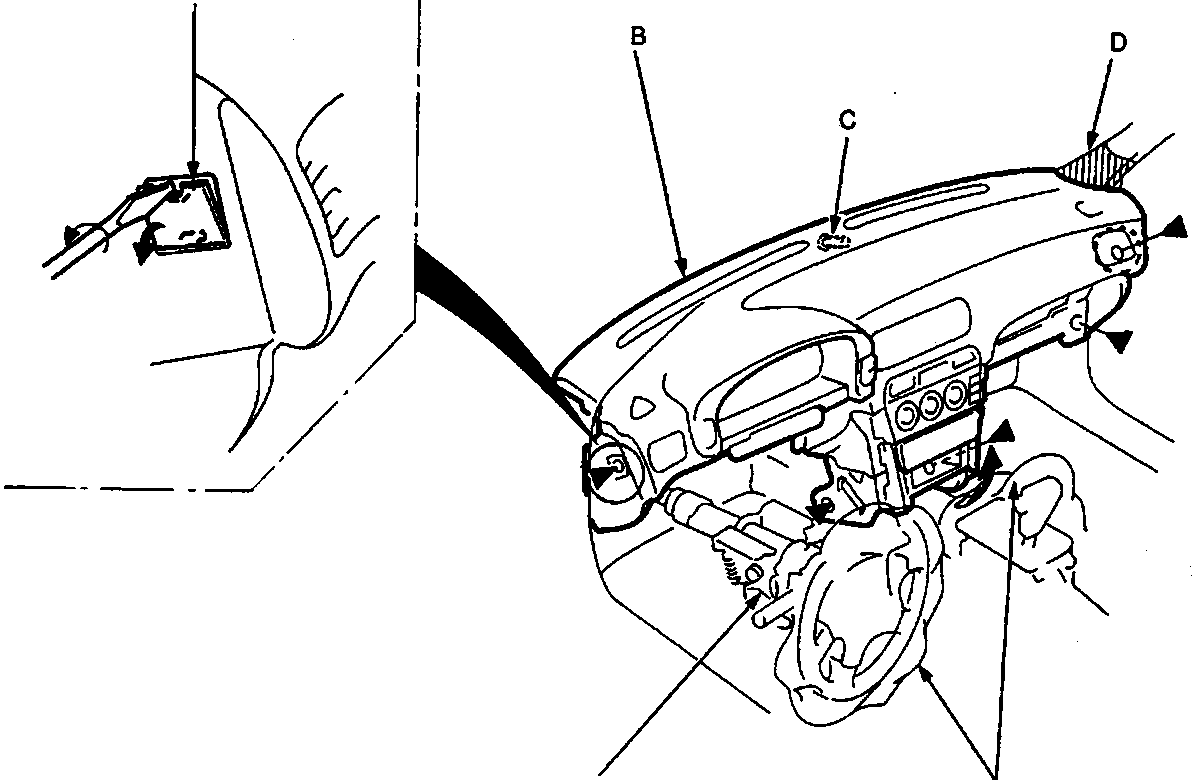
- A Access cap
- B Dashboard
- C Guide pin
- D Protective tape
- E Cloth
- F Steering column
- Bolt locations and quantities are shown by black triangles.
- Remove the bolts, then lift and remove the dashboard.
Note:
- Use protective tape on the bottom of the front pillar trim.
- Take care not to scratch the dashboard.
- To prevent damage to the selector lever and A/T gear position indicator panel, wrap it with a cloth.
- Installation is the reverse of the removal procedure.
Note: Before tightening the bolts, make sure the dashboard wire harness are not trapped, and that the dashboard is not interfering with the heater control cables.
- Adjust the heater control cables and cool vent cable (see HEATING AND VENTILATION).
Original page
Parts & tools for this job For Rover 600
- TOOLTrim removal tool kitSearch: trim removal tool kit
- PARTTouch-up paintSearch: Rover touch up paint
- PARTPanel clip assortmentSearch: Rover panel clips assortment
Links open Amazon search results in a new tab. As an Amazon Associate I earn from qualifying purchases.